

After my session at VSLive last week, I had a few questions from the audience. I’m adding some of these into blogs, and this was one:
How do I run the docker compose to get a local chatbot?
I didn’t include the dockerfile in a a repo, mostly because it’s simple, but just to make it easy, it’s in this zip: ollama-docker-compose.zip.
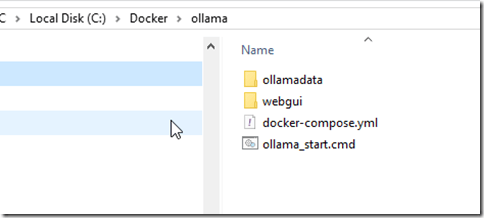
To start this, I’ll assume you have Docker (or equivalent), but no images. Create a folder structure like this:
Put the docker-compose.yml in here. Then open this in a CLI and run: docker compose up
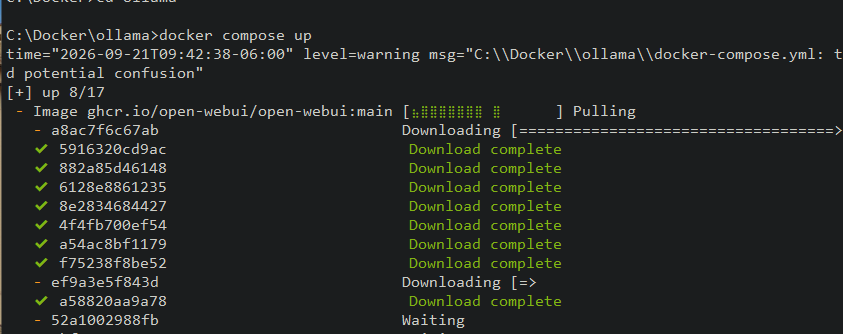
You should see something like this. The images start pulling. This is slow, but once the download is there, it should be smoother.
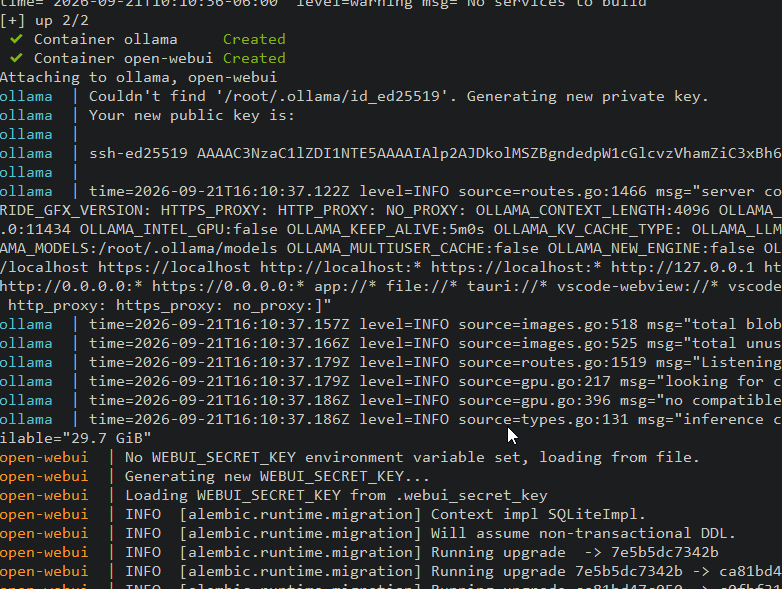
Once the images are pulled, the containers should start and you should get some output in your CLI window. Something like this. Note the first part of the output is the container.
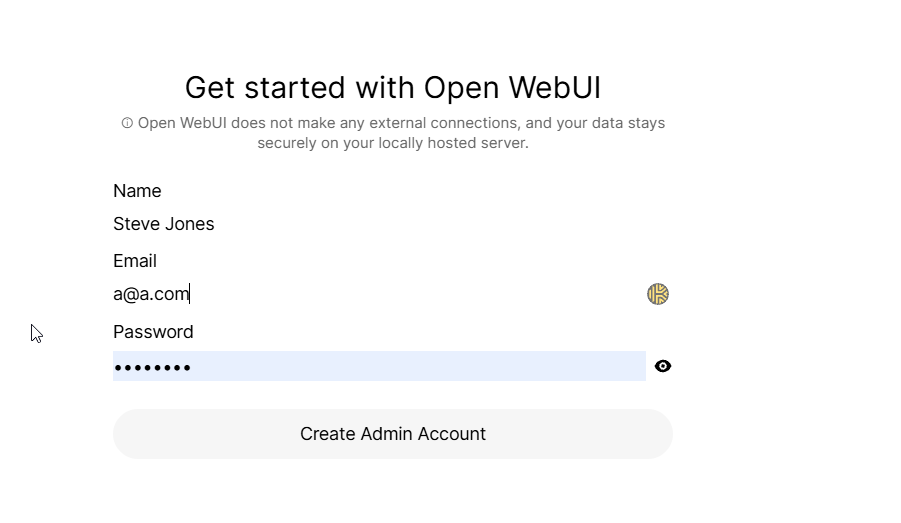
Once it’s up, it will first ask you for an admin account. Enter your credentials, as I’ve done. I didn’t use this email, but it doesn’t matter which one you does. It’s local!
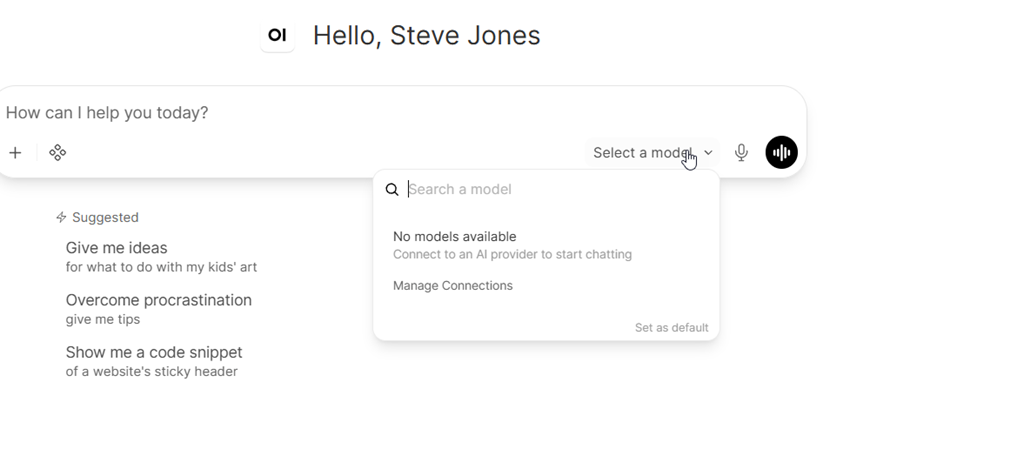
You should then get the chatbot interface. Note, like me, the first time you run this, there’s no model, so use the post below to add your model and get started.
I have a few posts on this that might help. Note that these are from the past the the GUI has changed slightly, but the items are still in the GUI, just moved.
