

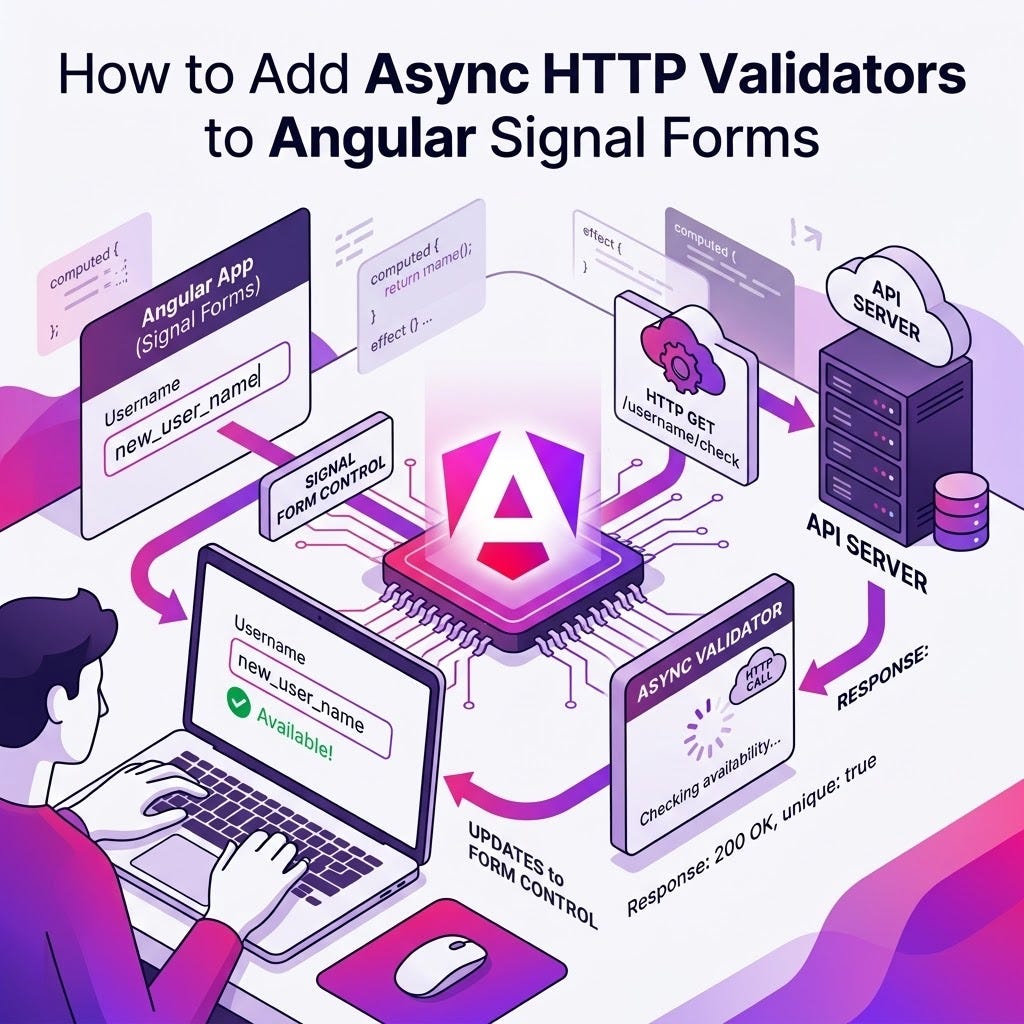

Asynchronous validation is used when checking constraints that require external resources such as:
- Uniqueness checks (e.g., checking if a username is already taken)
- Database or API lookups
- Server-side business rules
Enter validateHttp()
Angular Signal Forms provide the validateHttp() function for standard API-based validation checks. It takes a request function that returns the URL to validate, and `onSuccess` and `onError` callbacks.
Here is a basic example:
validateHttp(path.address.zip, {
request: (ctx) => {
// Using valueOf to read the current value of another field
const country = ctx.valueOf(path.address.country);
// Getting current zip value
const zip = ctx.value();
// Returning API URL based on user values
return `https://api.zippopotam.us/${country}/${zip}`;
},
onSuccess: () => undefined,
onError: (err) => {
return { kind: 'invalidZip', message: 'Zip code is not valid' };
},
});
Every time the zip code is updated by the user, the HTTP request to the validation API is made. Requests are automatically canceled if the value changes before the server responds.
Note that `onError` is a callback that returns a process error (network issue, server unreachable, etc.), not a validation error. Validation errors have to be dealt with in the `onSuccess` callback, which means “Validation ran successfully”, not “Validation didn’t find any problem”.

If we want to wait a little bit before validating, we can use debouncing strategies, the simplest option being:
  validateHttp(path.address.zip, {
request: (ctx) => {
const country = ctx.valueOf(path.address.country);
const zip = ctx.value();
return `https://api.zippopotam.us/${country}/${zip}`;
},
// Wait for 300ms after last value update before validating
debounce: 300,
onSuccess: () => undefined,
onError: (err) => {
return { kind: 'invalidZip', message: 'Zip code is not valid' };
},
});
This example will wait 300 milliseconds after the user stops typing before making the HTTP request to validate the zip code. If the user types another character before the 300 milliseconds have passed, the timer will be reset.
Get Alain Chautard’s stories in your inbox
Join Medium for free to get updates from this writer.
Note that this validator-level `debounce` option accepts a number of milliseconds or a custom `DebounceTimer` function (from `@angular/core`).
When does async validation run?
Note that asynchronous validation runs only after all synchronous validation rules have passed. This prevents unnecessary server requests: if a field fails a `required` or `pattern` check, no HTTP request is made.
When async validation runs, the field’s `pending()` signal returns true. During this time:
- `valid()` returns false
- `invalid()` returns false
- `errors()` returns an empty array
- `submit()` waits for validation to complete
Complete guide for Angular Signal Forms
For more information about Angular Signal Forms, check out my book on Amazon: Angular Signal Forms.
My name is Alain Chautard. I am a Google Developer Expert in Angular and a consultant and trainer at Angular Training, where I help development teams learn and become proficient with Angular / React / JavaScript.
If you need any help learning web technologies, feel free to get in touch!
If you enjoyed this article, please clap for it or share it. Your help is always appreciated. You can also subscribe to my articles and YouTube video page.
