

Matching each name with its score means using the values at the same positions in both lists. Python’s zip() lets a loop process values from corresponding positions together.
I’ll show how to choose a loop for the information each pass needs, then explain what happens when a list changes during iteration.
TL;DR: Iterate Through a List in Python
Choose a loop by the information each pass needs: a value, its position, or a matching value from another list.
- Values only: loop directly over the list.
- Position and value: use enumerate().
- Corresponding values: use zip(), remembering that it stops at the shortest input.
What Is List Iteration in Python?
Iteration means processing each list value individually. Lists are mutable sequences, so adding or removing an item changes their contents. If that happens during traversal, later positions can shift.
Examples include printing each name, checking a score, or collecting values that pass a condition. The examples below add a position or pair only when the task needs one.
The same for syntax works on other iterables, including tuples, strings, ranges, and dictionary views. A dictionary loop yields keys by default, while its items view provides key-value pairs. Sets also support iteration, though they do not provide list-style indexing.
How to Iterate Through a List in Python Step by Step
Choose a form based on what each pass needs.
Step 1: Loop directly over each value
Indent every statement that should run for an item beneath the loop line.
colors = ["red", "green", "blue"]

for color in colors:
    print(color)
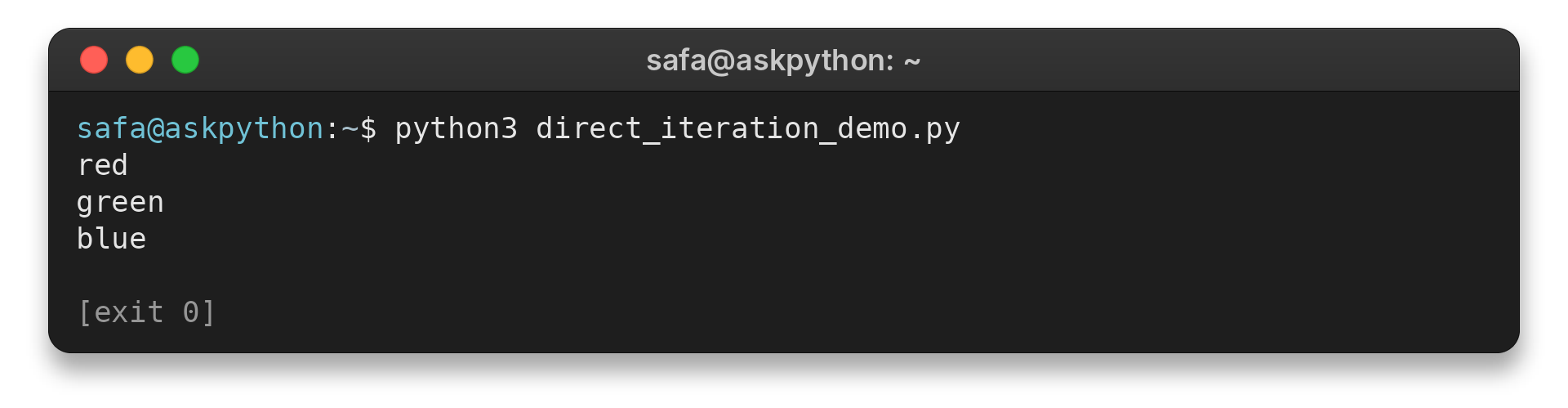
I ran the named demo file. Its output is below:
python3 direct_iteration_demo.py
red
green
blue
The body processes each value, and an empty list runs it zero times. Use break to exit early or continue to skip one value without changing the list.
Step 2: Get each item with its index
Use enumerate() when you need both the value and its position, rather than maintaining a separate counter.
fruits = ["apple", "banana", "cherry"]

for position, fruit in enumerate(fruits, start=1):
    print(position, fruit)
The output from my run starts the displayed numbers at one:
python3 enumerate_demo.py
1 apple
2 banana
3 cherry
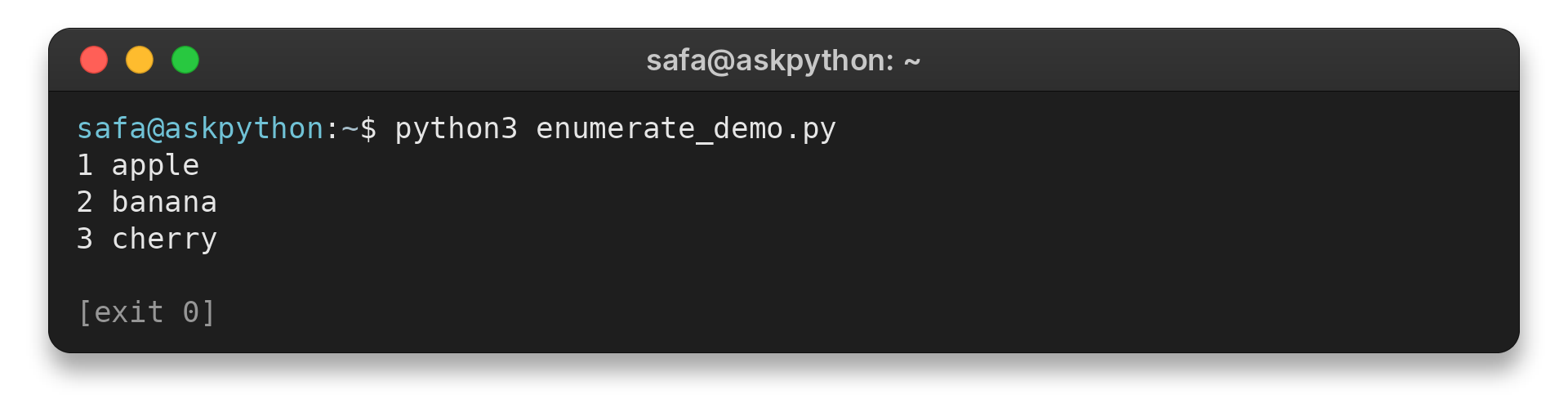
enumerate() begins at zero by default. With start=1, its number is a display count, not a list index. range(len(fruits)) produces valid indices, useful when an index determines which slot to replace.
Assigning to the loop variable does not replace a list entry. Use an index to change number or string entries, or build a new list. Editing a mutable value such as a dictionary changes the object in the list, but rebinding the variable does not swap the entry.
Step 3: Iterate through matching items in two lists
Use zip() when values at the same position belong together, such as a name and its score, and unpack both values from each yielded pair.
names = ["Asha", "Ben", "Cora"]
points = [8, 11]

for name, point in zip(names, points):
    print(name, point)
The two output lines are:
python3 zip_lists_demo.py
Asha 8
Ben 11
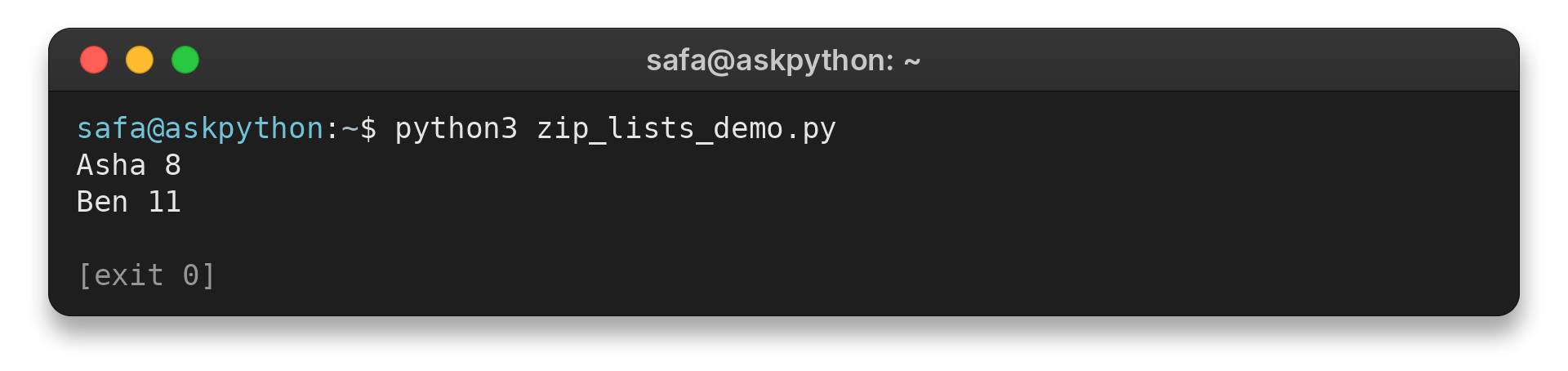
By default, zip() stops when the shortest input ends. Compare lengths if every item needs a partner. Python 3.10 and later support strict=True, which raises ValueError for unequal lengths when records such as names and scores must align.
Step 4: Build a new list with a comprehension
Use a list comprehension to create a result list from each input value. This example doubles every score and leaves the original list unchanged.
scores = [6, 9, 12]
doubled = [score * 2 for score in scores]
print(doubled)
I ran this file from its named source. It prints the new list:
python3 transform_demo.py
[12, 18, 24]
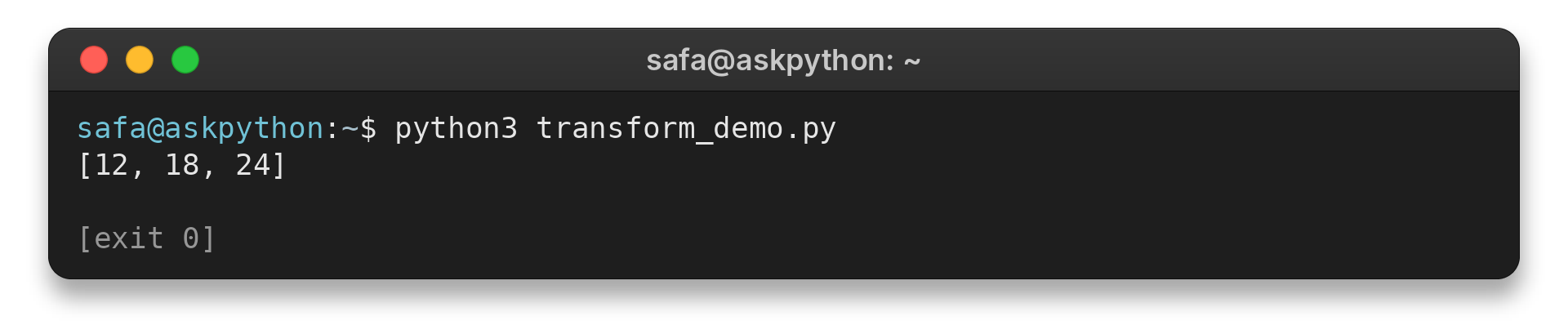
Add a condition to keep only selected values. Use a regular for loop for an action such as printing or writing a file, rather than creating a collection.
Edge Cases When Iterating Through Lists
A few cases call for a small change to the loop.
| Situation | What happens | Safer choice |
|---|---|---|
| Empty list | The loop body runs zero times. | Check explicitly only if empty input needs different behavior. |
| Remove items while looping | Changing list positions can cause the next item to be skipped. | Build a filtered list, or loop over a copy when removal is required. |
Use a slice to process part of a list: its start is included and its stop excluded. Slicing returns a shallow new list, so adding or removing entries there does not change the original, though mutable objects inside it remain shared. Its step selects every nth value and must not be zero.
Nested loops are useful for grids because they visit one row at a time and then each value in that row.
A while loop is useful when a changing condition, rather than list length, controls when to stop. Update that condition each pass to avoid an endless loop. For a fixed pass over list positions, a for loop avoids maintaining a counter by hand.
For reverse traversal, reversed(items) visits values from the end toward the beginning without changing the original list. If you need a separate reversed list, make a reversed slice.
A for loop does not create a separate scope for its variable. After a non-empty loop, that name remains bound to its last item. An empty list assigns no item to it, so initialize a default before later code depends on one.
Conclusion: Choose the Loop That Matches the Task
The right form depends on what the rest of the program needs from this sequence.
For details, see Python’s list and list-comprehension tutorial and the built-in function reference. AskPython’s guides to Python for loops, Python lists, and the range function cover related basics.
FAQ
These quick answers cover three common questions about list iteration.
Can you iterate through a list in Python?
Yes. Use a for loop to visit each item in order, or choose enumerate() when you also need its index.
How do you iterate through two lists simultaneously in Python?
Use zip() to get corresponding values together. By default, iteration stops when the shortest input is exhausted.
How do you iterate backwards through a list in Python?
Iterate over reversed(the_list) to visit values in reverse order without reversing the original list.
