

You have probably typed git checkout feature-branch a hundred times without thinking about it. Then one day you tried to restore a deleted file and found git checkout handles that too.
Single command doing two completely different jobs. That confusion is exactly why Git 2.23 introduced git switch and git restore, to split checkout responsibilities into commands that each do one thing.
What you need before starting
- Git installed on your machine
- A terminal open in a Git repository
- Git 2.23 or later for the
git switchexamples
The examples below were verified on Git 2.43, and every command works on Git 2.23 or later.
How to create and switch branches with git checkout
The H3 sections below walk through the complete branch workflow: listing existing branches, creating new ones, switching between them, and merging your work back.
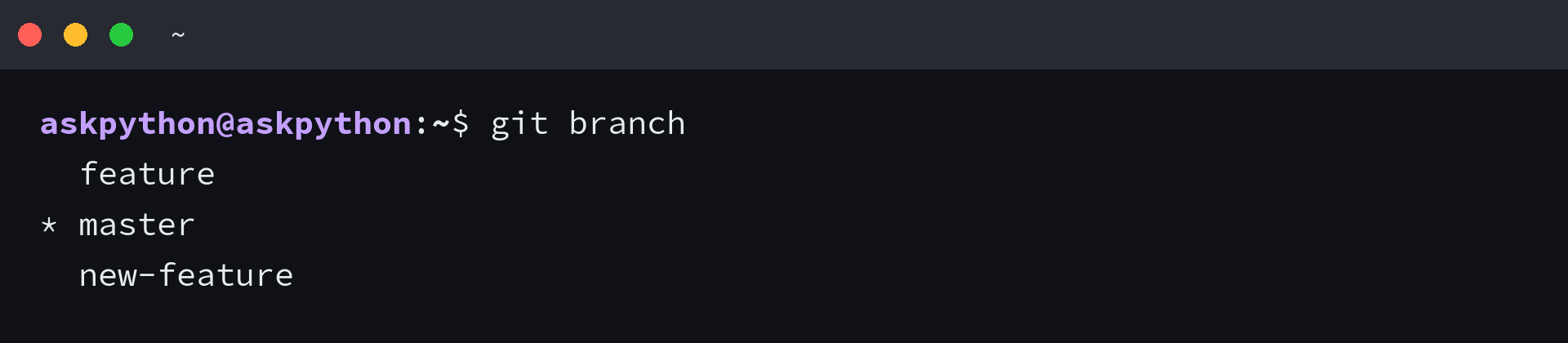
List the branches that already exist
The asterisk marks the branch you are currently on. git branch never changes anything. It only reports.
Create a new branch and switch to it in one step

The -b flag creates the branch and checks it out immediately. After this command, any new commits you make land on feature, not master. Run git branch again to confirm the new branch exists and has the asterisk.
Switch back to an existing branch

This moves HEAD to the tip of master and updates your working directory to match. Any files that differ between the two branches appear or disappear to reflect the target branch state.
Merge one branch into another
First create a commit on your feature branch, then merge it. The example below adds a file on master to demonstrate a non-fast-forward setup, then shows how git merge combines two branches.
echo test > file.txt
git add .
git commit -m "Add file.txt"
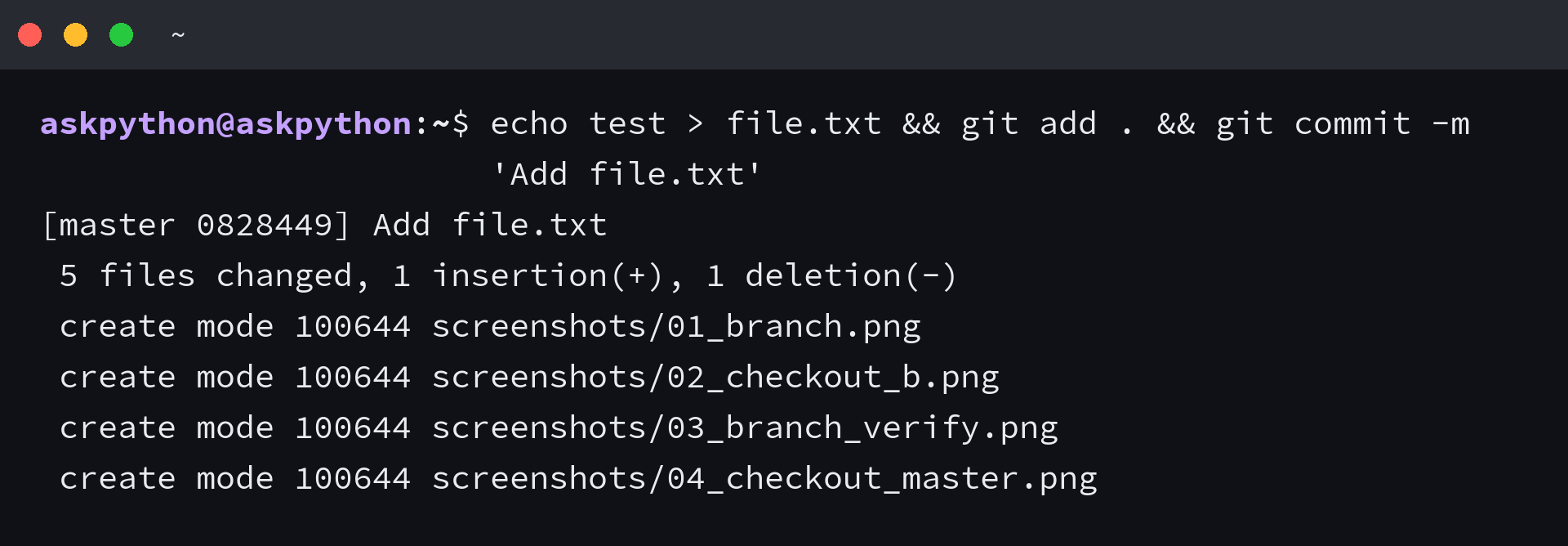

If the output says Already up to date, the branch you are merging in had no new commits beyond the current one. When there are actual changes, Git prints a fast-forward summary or opens an editor for a merge commit message.
Where git checkout gets confusing
Several common situations trip people up when using git checkout. The sections below cover uncommitted changes blocking the switch, detached HEAD when checking out a commit hash, and branch names that collide with file names.
If you have modified a file that also differs between the current and target branch, Git refuses to checkout.
The safe fix is to commit or stash your changes first, then checkout. If you truly want to discard the local changes, git checkout -f branch forces the switch, but you lose the uncommitted work permanently.
Detached HEAD is not a malfunction
git checkout commit-hash puts you in detached HEAD state where HEAD points at a commit rather than a branch. You can look around and make experimental commits, but if you checkout another branch without creating a reference first, those commits become unreachable and Git garbage collects them. So always run git checkout -b new-branch while detached if you want to keep the work.
git switch is the clearer replacement
Git 2.23 introduced git switch to handle only branch operations, and it refuses a switch when the branch name collides with a file name. All those restrictions are what make git checkout error-prone by comparison. The equivalent of git checkout -b new-feature is git switch -c new-feature.
git switch -c new-feature
git switch master
If you only need to move between branches, reach for git switch. Reserve git checkout for restoring files with git checkout — file or for navigating to a specific commit when history matters more than branch names. Run git log –oneline –all –graph to see the resulting branch structure as an ASCII tree.
FAQ
What is the difference between git checkout and git switch
git checkout does double duty: it switches branches and restores files. git switch only switches branches, refuses ambiguous names, and performs safety checks against a dirty working directory. Use git switch for branch operations and git checkout for file restoration.
How do I delete a branch after merging
Run git branch -d branch-name to delete a branch that has been fully merged. If the branch has uncommitted work or unmerged commits, Git refuses. Use -d only after confirming the merge succeeded.
Can I undo a git checkout
If you switched branches and lost track of where you were, git reflog shows every HEAD movement. Find the commit hash you want and git checkout that hash to return. Reflog entries expire after 90 days by default.
