

An UPDATE without WHERE clause can fit on two lines and change an entire table. In Dex’s case, it also makes him briefly popular with the entire company.
This week’s episode of SQL in Sixty Seconds is about that exact moment. Dex is asked to update one salary. The coffee machine beeps. The WHERE clause never gets typed.
Watch It First. It Really Is Sixty Seconds.
Go ahead and watch, because the ending is better than anything I can describe here. I will still be on this page when you get back.
Reading this in email or a feed reader where the player did not load? Here is the direct link: UPDATE Without WHERE, SQL in Sixty Seconds 211. If it makes you laugh, send it to the teammate who runs production scripts at six on a Friday. You know the one.
What Actually Happened
Mia asks for one change. Employee 1042, salary to two hundred thousand. Dex starts typing, hears that the coffee is ready, and runs this statement inside an open transaction.
BEGIN TRAN;

UPDATE dbo.Employees
SET Salary = 200000;
SQL Server did nothing wrong. That statement is valid, it is unambiguous, and it means precisely what it says. Set the salary of every employee to two hundred thousand.
The messages pane comes back with the truth in the flattest possible voice.
(8432 rows affected)Owen, standing nearby, has never been happier with the database team. Nobody had ever thanked Dex for a query before.
Why This One Is So Easy To Do
An interruption is one way this happens. It arrives between the SET and the WHERE. The WHERE is the part still in your head rather than on the screen. Two things about SSMS make the gap wider.
The first one is F5. With nothing highlighted it runs the entire query window, not the statement your cursor sits in. Your window has eleven statements in it from this morning. It just ran all of them.
The second one is bigger. It is the reason the video has a happy ending that your Tuesday afternoon does not. SSMS runs in autocommit by default. Every statement is its own transaction, and it commits itself the moment it succeeds. There is no pause, no confirmation, and no undo button for a committed UPDATE.
Dex could recover because the transaction was still open. If the UPDATE ran in autocommit mode and completed successfully, ROLLBACK cannot undo it. An explicit BEGIN TRANSACTION is one way to start a transaction; implicit transactions and application code can also start one.
The One Thing Dex Did Right
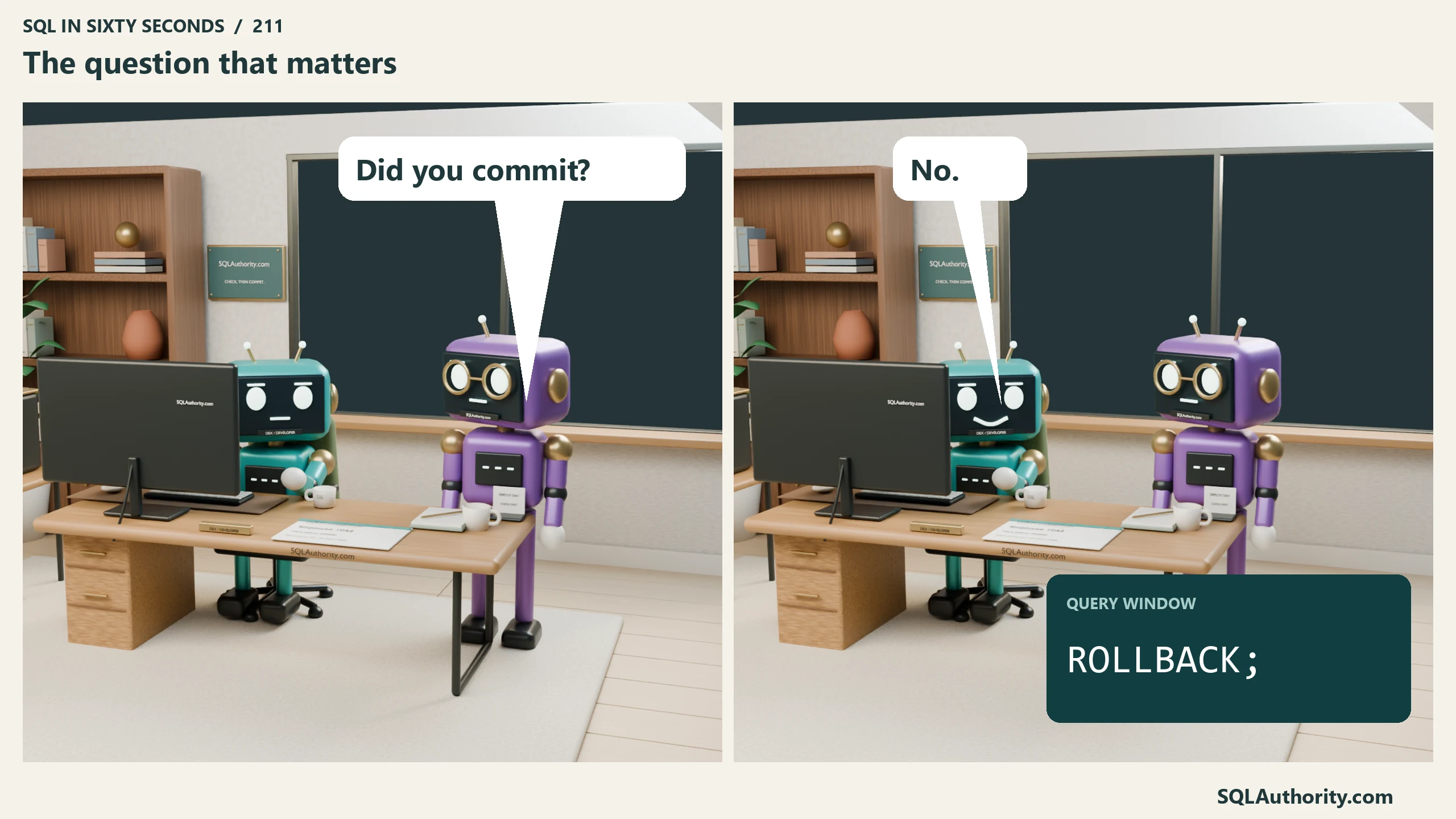
After the office has enjoyed its moment of celebration, Mia asks the question that determines what Dex can do next.
Did you commit?
He had not. So the fix is to roll back the open transaction in the same session.
ROLLBACK TRANSACTION;Every one of those 8,432 salary changes is undone. SQL Server maintains the information needed to roll back an active transaction. A full ROLLBACK also undoes any other changes in that transaction, so know what it contains. In this story, it contains Dex’s mistaken update.
One warning the video does not have time for: an open write transaction can block other work. The locks and blocking depend on the query, isolation level, and features such as optimized locking. Keep the transaction short, make the decision promptly, and then go get your coffee.
The Safe Way To Run An UPDATE
For a manual update, I recommend a short preview and an explicit transaction. They take a little more attention than running the UPDATE alone.
Start with a SELECT that carries the exact WHERE clause you plan to use.
SELECT EmployeeID, FullName, Salary
FROM dbo.Employees
WHERE EmployeeID = 1042;
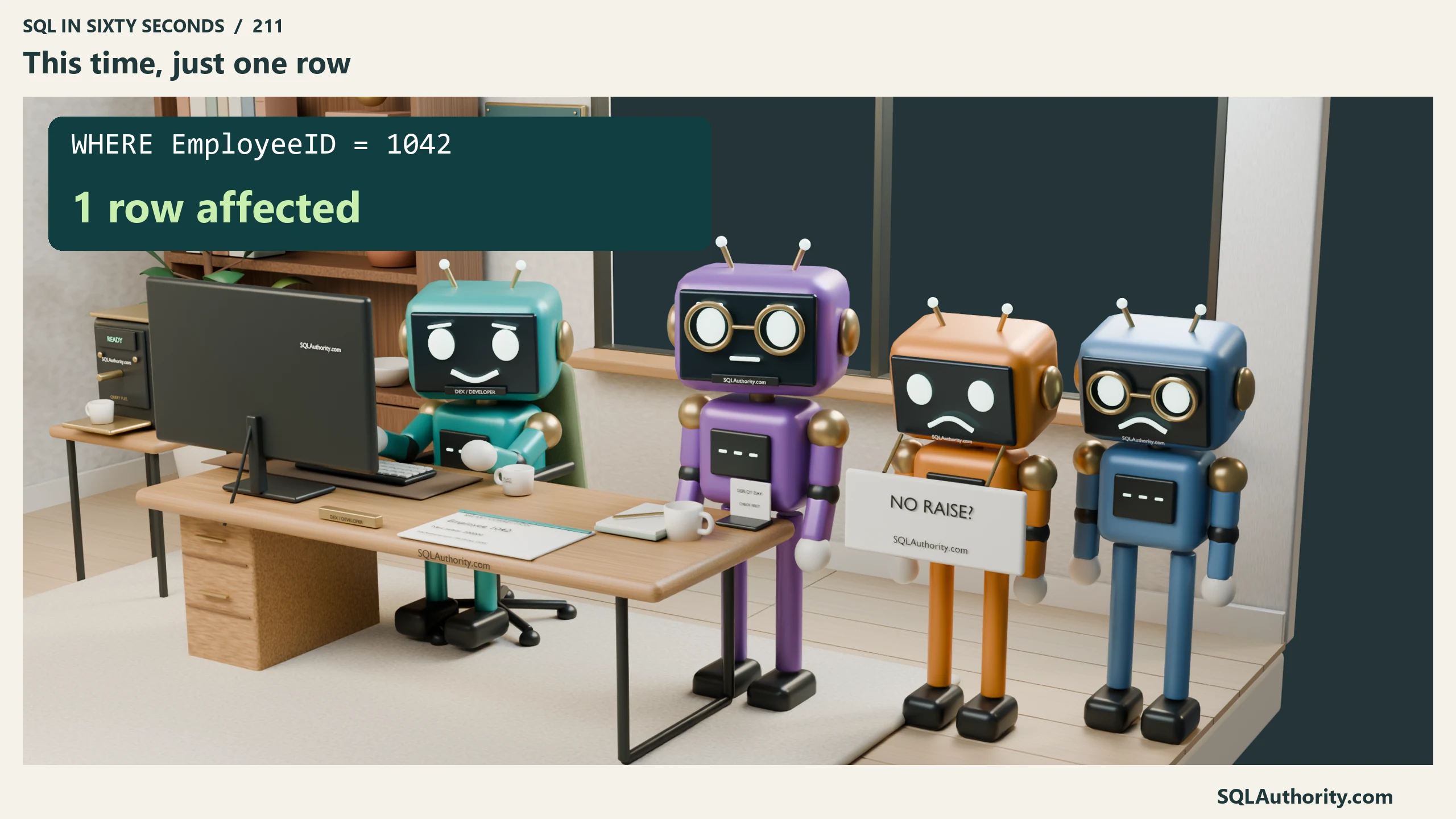
Check that the result is the intended employee, not just that it contains one row. The preview shows the value at the time of the SELECT; another session could change it before your UPDATE. For this manual example, use a dedicated query session with IMPLICIT_TRANSACTIONS OFF and no existing transaction. Then wrap the real thing.
BEGIN TRANSACTION;

UPDATE dbo.Employees
SET Salary = 200000
WHERE EmployeeID = 1042;

SELECT @@ROWCOUNT AS RowsAffected;

-- Read that number first.
-- COMMIT TRANSACTION;
-- ROLLBACK TRANSACTION;
Both endings are commented out on purpose. After checking the count, uncomment and execute exactly one ending in the same query window. Selecting the whole commented line will do nothing. Do not leave the transaction open while you move on to another task. If the UPDATE reports an error, stop and resolve or roll back the transaction; the next example adds explicit error handling.
Another useful habit is to write the WHERE clause before completing the SET clause. That reduces the chance of leaving a valid, unfiltered UPDATE on screen while you are interrupted. It does not replace reviewing the whole statement before execution.
Let The Script Check The Count For You
If the change is going into production, do not trust yourself to read a number correctly. Somebody is standing at your desk waiting. Make the script refuse.
This standalone batch requires a dedicated session with no open transaction and IMPLICIT_TRANSACTIONS OFF. Run the entire batch. It refuses an existing transaction before entering its error handler, so that handler does not roll back someone else’s work.
IF @@TRANCOUNT <> 0
BEGIN
    RAISERROR ('Use a session with no open transaction.', 16, 1);
    RETURN;
END;

IF (2 & @@OPTIONS) = 2
BEGIN
    RAISERROR ('Use IMPLICIT_TRANSACTIONS OFF for this batch.', 16, 1);
    RETURN;
END;

SET XACT_ABORT ON;
DECLARE @Rows int;

BEGIN TRY
    BEGIN TRANSACTION;

    UPDATE dbo.Employees
    SET Salary = 200000
    WHERE EmployeeID = 1042;

    SET @Rows = @@ROWCOUNT;

    IF @Rows <> 1
    BEGIN
        ;THROW 50003, 'Expected exactly one affected row.', 1;
    END;

    COMMIT TRANSACTION;
    PRINT 'Committed 1 row.';
END TRY
BEGIN CATCH
    IF XACT_STATE() <> 0
        ROLLBACK TRANSACTION;

    THROW;
END CATCH;
SET XACT_ABORT ON makes many runtime errors abort the transaction. TRY/CATCH rolls back a transaction that remains active and rethrows the error. This is not protection against every failure, such as a compilation error or a client cancellation. It also leaves XACT_ABORT ON for this session. A one-row count is a useful guard, but it does not prove you chose the correct employee or salary.
Capture @@ROWCOUNT on the very next line. It reports on the last statement that ran. A PRINT slipped in above it resets the value to something useless.
If You Already Committed
After COMMIT, ROLLBACK cannot undo that transaction. Recovery means finding the previous values and applying a carefully checked correction. If system-versioned temporal history was already enabled and retained, it may contain those values. Otherwise, a suitable backup chain is a common recovery route.
For point-in-time recovery under the full recovery model, restore a suitable full backup, optionally a differential backup, and every required log backup in sequence through the target time. Restore a separate copy to a point before the mistaken update committed.
The following is an illustrative two-log sequence, not a script for your backup files. It assumes the full backup precedes the target time, Log_01 is the first required log, and Log_02 contains the target time. Substitute your actual file paths, logical file names, and recovery time, and include every intervening log backup. Use RESTORE FILELISTONLY to inspect logical file names first.
RESTORE DATABASE HRPayroll_Recovery
FROM DISK = 'D:\Backup\HRPayroll_Full.bak'
WITH MOVE 'HRPayroll' TO 'D:\Data\HRPayroll_Recovery.mdf',
     MOVE 'HRPayroll_log' TO 'D:\Data\HRPayroll_Recovery.ldf',
     NORECOVERY;

RESTORE LOG HRPayroll_Recovery
FROM DISK = 'D:\Backup\HRPayroll_Log_01.trn'
WITH STOPAT = '2026-09-07 14:31:00', NORECOVERY;

RESTORE LOG HRPayroll_Recovery
FROM DISK = 'D:\Backup\HRPayroll_Log_02.trn'
WITH STOPAT = '2026-09-07 14:31:00', RECOVERY;
For this repair, restore to a separate copy rather than overwriting the live database. Compare by employee key and recover only the damaged salary values, not entire rows. Reconcile any legitimate salary changes made since the accident before applying a correction. Other people’s work is still valid.
Under the simple recovery model, transaction-log backups and log-based STOPAT recovery are unavailable. A backup-based recovery uses a full backup and, if available, a matching differential backup. Changes after that recovery point need another source, such as retained history, or careful reconstruction.
Four Habits That Reduce The Risk
Check the selection before you run. For a single UPDATE, select the complete statement, including its WHERE clause. For the guarded batch above, run the entire batch, including its checks and error handling. A partial selection can bypass the very protection you intended to use.
Color your production connections. Use the connection’s custom status-bar color in SSMS, such as red for production. Treat the color as a reminder, and still verify the server and database before running a change.
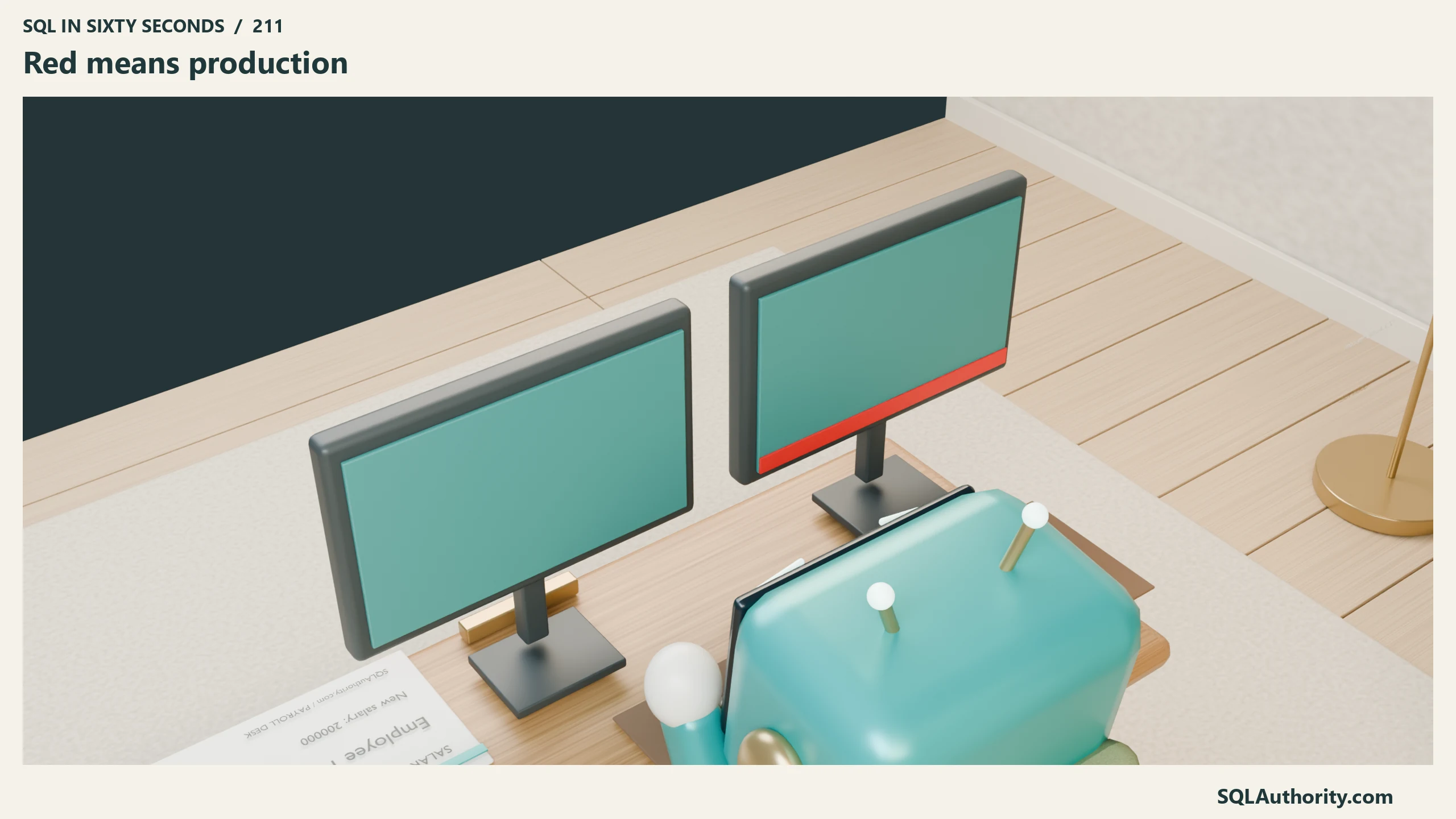
Give production its own window. No scratch queries, no leftovers from this morning, no eleven statements you have stopped reading. One task, one window, closed when you are done.
Use an explicit transaction with a clear ending. Know the session’s transaction mode before you start. Do not combine these examples with IMPLICIT_TRANSACTIONS ON: an explicit BEGIN can add transaction levels, and one COMMIT may leave the transaction open. Use a dedicated session, verify the target and row count, and finish with COMMIT or ROLLBACK.
What Should Dex Break Next?
Dex and Mia have a long list of ways to have a bad afternoon. I am picking the next one from your suggestions. DELETE with no WHERE. A truncate on the wrong table. An index rebuild that starts at the worst possible hour. Or the classic that catches everybody at least once, a NULL comparison that silently returns nothing at all.
Drop your vote in the comments on the video. The whole SQL in Sixty Seconds playlist is waiting on the channel.
For the transaction details, see Microsoft’s documentation on SET XACT_ABORT, BEGIN TRANSACTION and implicit transactions, and point-in-time restore.
Owen is still refreshing his banking app. He knows. He is just hoping.
Check the employee and affected row count before you commit.
Reference: Pinal Dave (https://blog.sqlauthority.com/), SQL Server Transactions, X
