

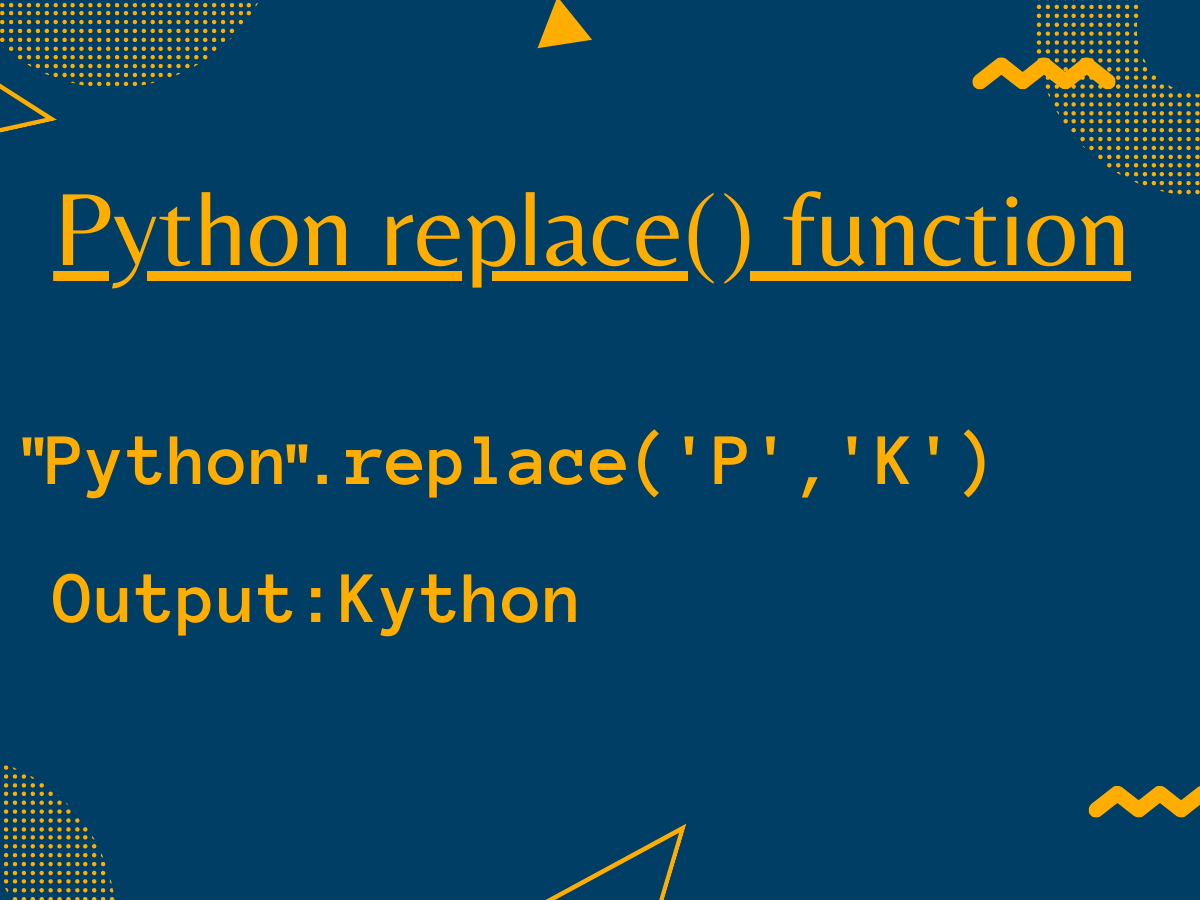
I keep coming back to Python’s replace() function whenever I need to clean up messy text data. Whether it’s stripping unwanted characters from a CSV import or standardizing user inputs, replace() handles it without ceremony. No regex needed for simple substitutions.
The article covers how str.replace() works, the count parameter, case sensitivity, multiline strings, and common pitfalls. I’ll also show how pandas extends this function to work with entire DataFrame columns at once. By the end, you’ll know exactly when to use replace() and when to reach for regex instead.
TLDR
- str.replace(old, new) swaps every occurrence of old with new in a string
- The optional count parameter limits how many replacements happen
- replace() is case sensitive by default
- For case-insensitive matching, use regex with re.sub()
- pandas adds a str.replace() method that works on entire DataFrame columns
What is str.replace() in Python?
str.replace(old, new) returns a copy of the string with all occurrences of the old substring replaced with the new substring. The original string stays untouched since strings are immutable in Python. The function always returns a new string, regardless of whether matches were found.
Syntax
str.replace(old, new, count=-1)
Parameters:
  old       - substring to find and replace
  new       - replacement substring
  count     - max replacements (default: -1 = all)
Returns:
  new string with substitutions applied
Basic str.replace() Examples
The simplest use case is swapping one substring for another. Python scans the entire string and replaces every match it finds, as covered in the Python string methods guide.
text = "I love Python and Python is great"
result = text.replace("Python", "programming")
print(result)
I love programming and programming is great
Both occurrences of “Python” got replaced. The variable text still holds the original string. If the old substring does not exist in the string, replace() returns the string unchanged, much like Python’s find() method which also leaves the original untouched.
text = "I love Python"
result = text.replace("Ruby", "programming")
print(result)
print(result is text)
Limiting Replacements with the Count Parameter
The third argument controls how many matches get replaced. I use this often when I only want to replace the first occurrence or when I know only a few instances need changing, similar to how you might limit decimal places in Python for specific formatting needs.
text = "aaa bbb aaa ccc aaa"

# Replace only the first two occurrences
result = text.replace("aaa", "xxx", 2)
print(result)
Only the first two “aaa” substrings got replaced. The third one at the end stayed unchanged. This pattern is useful when you want to replace the first N occurrences but leave the rest intact, .
Replacing Strings of Different Lengths
replace() does not require the old and new substrings to be the same length. Python handles the string resize automatically when substituting, similar to how Python dynamically handles .
text = "I use Py and I love Py"

# Replace short substring with longer one
result = text.replace("Py", "Python")
print(result)
I use Python and I love Python
The string grew from 25 to 37 characters. Python recalculates the string length after each substitution. The replacements happen left to right, and the string adjusts dynamically as it goes.
Case Sensitivity and Common Pitfalls
replace() matches substrings exactly, including case. “Python” and “python” are treated as different strings. This trips up beginners who expect case-insensitive matching, which is why the handling ValueError article covers type-safe approaches.
text = "Python python PYTHON"

# Only lowercase "python" matches
result = text.replace("python", "Ruby")
print(result)
Only the exact lowercase match got replaced. For case-insensitive replacement, use re.sub() from the regex module, which handles patterns the way Python operators handle different types, with explicit type conversion.
import re

text = "Python python PYTHON"
result = re.sub("python", "Ruby", text, flags=re.IGNORECASE)
print(result)
Handling overlapping patterns
replace() does not handle overlapping substrings. It scans left to right and each replacement shifts the index forward by the length of the new string, not the old one. For overlapping matches, you need regex with lookahead assertions.
# "aaa" contains overlapping "aa" matches
text = "aaa"
result = text.replace("aa", "b")
print(result)
The first “aa” got replaced with “b”, producing “ba”. The overlapping second “aa” starting at index 2 was never checked as a separate match because the scan moved past it. .
Replacing on None or non-string types
Calling replace() on None raises an AttributeError. Calling it on a non-string type raises a TypeError. Always verify your data type before calling string methods, .
value = None

# Safe check before replacing
result = str(value).replace("None", "N/A") if value is not None else "N/A"
print(result)
Using replace() with pandas
The pandas library extends replace() to work on entire DataFrame columns via the str accessor. This lets you substitute values across thousands of rows in a single call, similar to how pandas tutorials cover batch data transformations.
import pandas as pd

df = pd.DataFrame({
    "language": ["Python", "python", "PYTHON", "JavaScript"]
})

df["language"] = df["language"].str.replace("Python", "Ruby", case=True)
print(df)
     language
0       Ruby
1       python
2       PYTHON
3  JavaScript
Only the exact case-sensitive “Python” match got replaced. The capitalized “Python” in row 2 and lowercase in row 1 stayed unchanged because case=True was used. To replace all case variants, use case=False or apply regex.
FAQ
Q: Does str.replace() modify the original string?
No. Strings in Python are immutable, so replace() always returns a new string. The original variable still references the unchanged string.
Q: How do I replace multiple different substrings at once?
Chain multiple replace() calls or use a translation table with str.translate(). For example, text.replace(“a”, “1”).replace(“b”, “2”) swaps a and b in sequence.
Q: Can replace() use regex patterns?
No. str.replace() does not support regex. For pattern-based substitution, use re.sub() from the regex module, which supports full regular expression syntax.
Q: What is the difference between str.replace() and re.sub()?
str.replace() does literal substring matching and is faster for simple cases. re.sub() supports regex patterns including wildcards, character classes, and capture groups, but has higher overhead. Use str.replace() for fixed strings and re.sub() when patterns are needed.
Q: How do I replace only the first occurrence?
Pass count=1 as the third argument: text.replace(“old”, “new”, 1). This replaces only the first match and leaves all subsequent matches untouched.
