

One of the popular features of Redgate Monitor has been the ability to add custom mertics for various purposes. This has been popular, and along with our curated list at sqlmonitormetrics.com, it’s a feature that’s used by many.
It has been a SQL Server only function for awhile, but customers have requested other platforms. We’ve added the capability for Oracle and PostgreSQL.
This is part of a series of posts on Redgate Monitor. Click to see the other posts.
Adding Custom Metrics
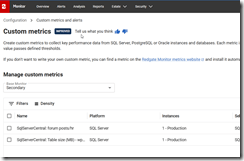
You can see on my custom metric config page that I have a few business metrics added. I recommend these to customers as often a business metric catches an issue before it appears in Perfmon type data. Let’s add a new metric. I’ll click the
I’ll click the “Add a custom metric on the right side” and will get a new form.
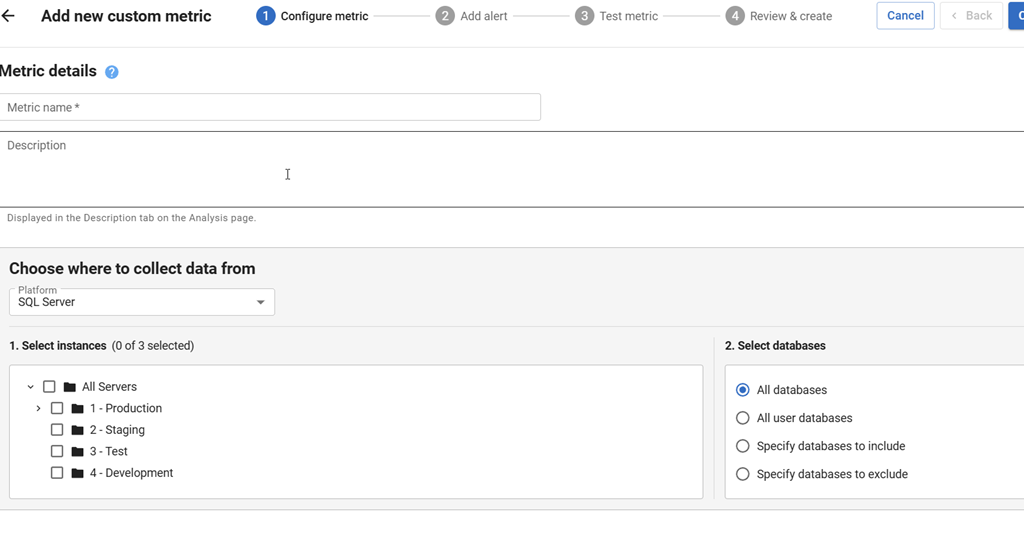
This form used to be mostly the same, but the “Choose where to collect data from” didn’t have a drop down. It only had the 1. Select instances and the 2. Select databases (to the right). This new drop down is where you pick the platform.
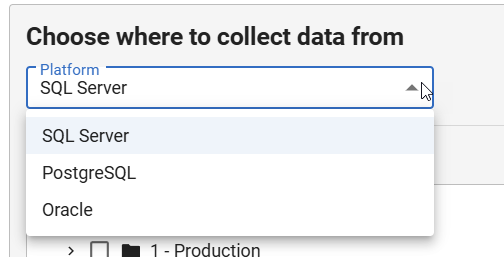
If I click the drop down, I see three choices: SQL Server, Oracle, and PostgreSQL.
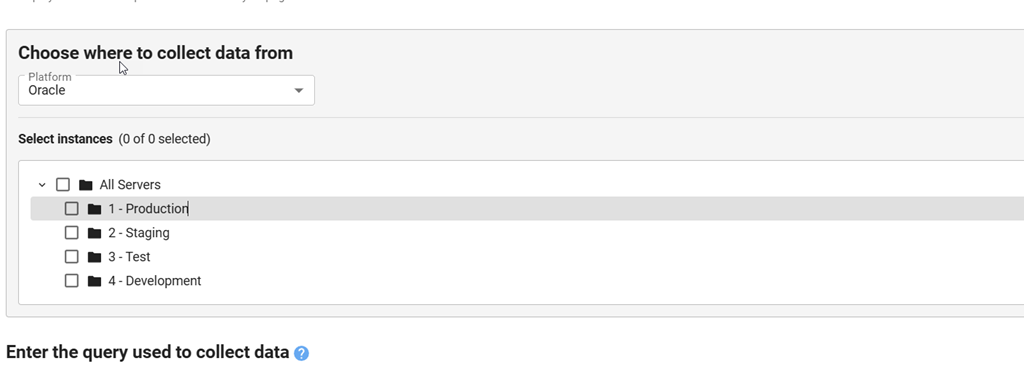
I can select Oracle and my select database section disappears. This is because an instance and a database are the same thing in Oracle.
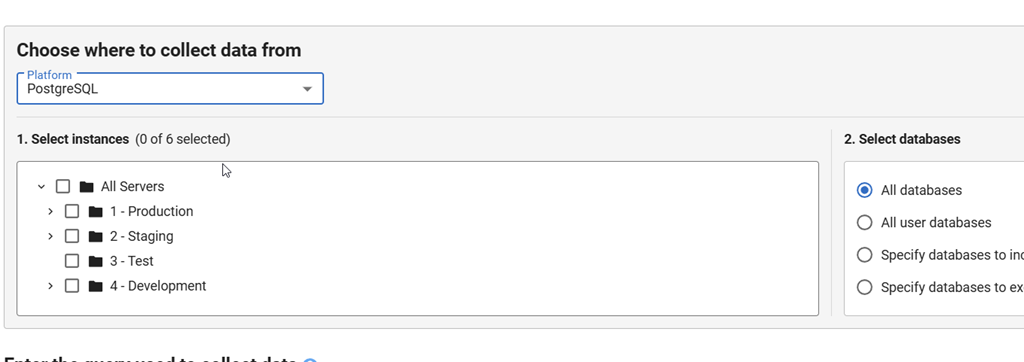
If I select PostgreSQL, I can still select databases.
The rest of the form works the same way. When I’ve selected Oracle, I get a default query listed that lets me know the structure of my result set. I need to return an integer with the con_id, a metric value that is a scalar and an optional string with details.
From there things work as they do with other metrics.
Summary
This post shows a new capability in Redgate Monitor for Oracle, where you can track your own data, as you see fit, and then let Redgate Monitor alert on changes, graph this over time, and help you better understand your system.
We are enhancing and adding to Redgate Monitor every week, but there are always more things that many of you want, and custom metrics give you the ability to choose what you want to monitor.
Redgate Monitor is a world class monitoring solution for your database estate. Download a trial today and see how it can help you manage your estate more efficiently.
