

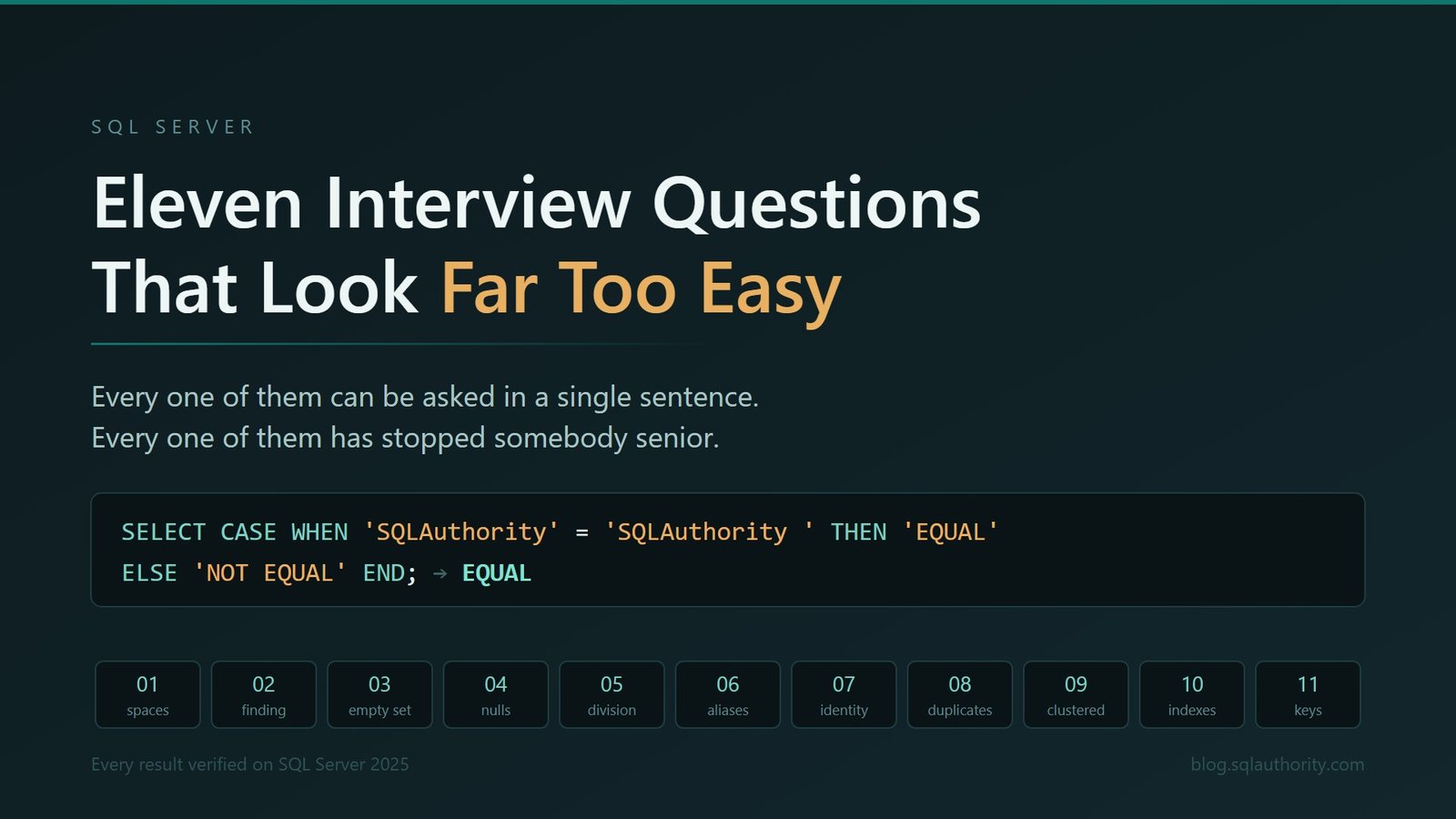
These eleven SQL Server interview questions look far too easy, and every one of them has stopped somebody senior. I ran all eleven on a real instance, so the results below were observed rather than reconstructed from memory.
Most interview question lists are useless, and they are useless for a specific reason. They ask things that can be memorised. What is the difference between DELETE and TRUNCATE. Explain normalisation. Name the isolation levels. Describe a clustered index in your own words.
A candidate can answer all of that perfectly and still not notice the query in front of them is going to lose three percent of January.
What follows is the other kind. Every question here can be asked in one sentence. None of them requires a whiteboard. And each one has a gap between the answer people give instantly and the answer the engine actually gives, which is the only place an interview gets interesting. The order is deliberate: we start with individual values, move through query processing and data changes, then finish with physical design and constraints.
How this was tested. Every result value below was verified on SQL Server 2025, RTM-CU7, build 17.0.4065.4, Enterprise Developer Edition, collation SQL_Latin1_General_CP1_CI_AS. Automatically generated constraint names, client formatting, random row counts and cost-based plan choices can differ on another system. The behavior being demonstrated is the part that matters. Run these examples only in a disposable learning database. The later questions disable a clustered index and create 500,000 wide rows. Do not paste them into production or run them against a table you need.
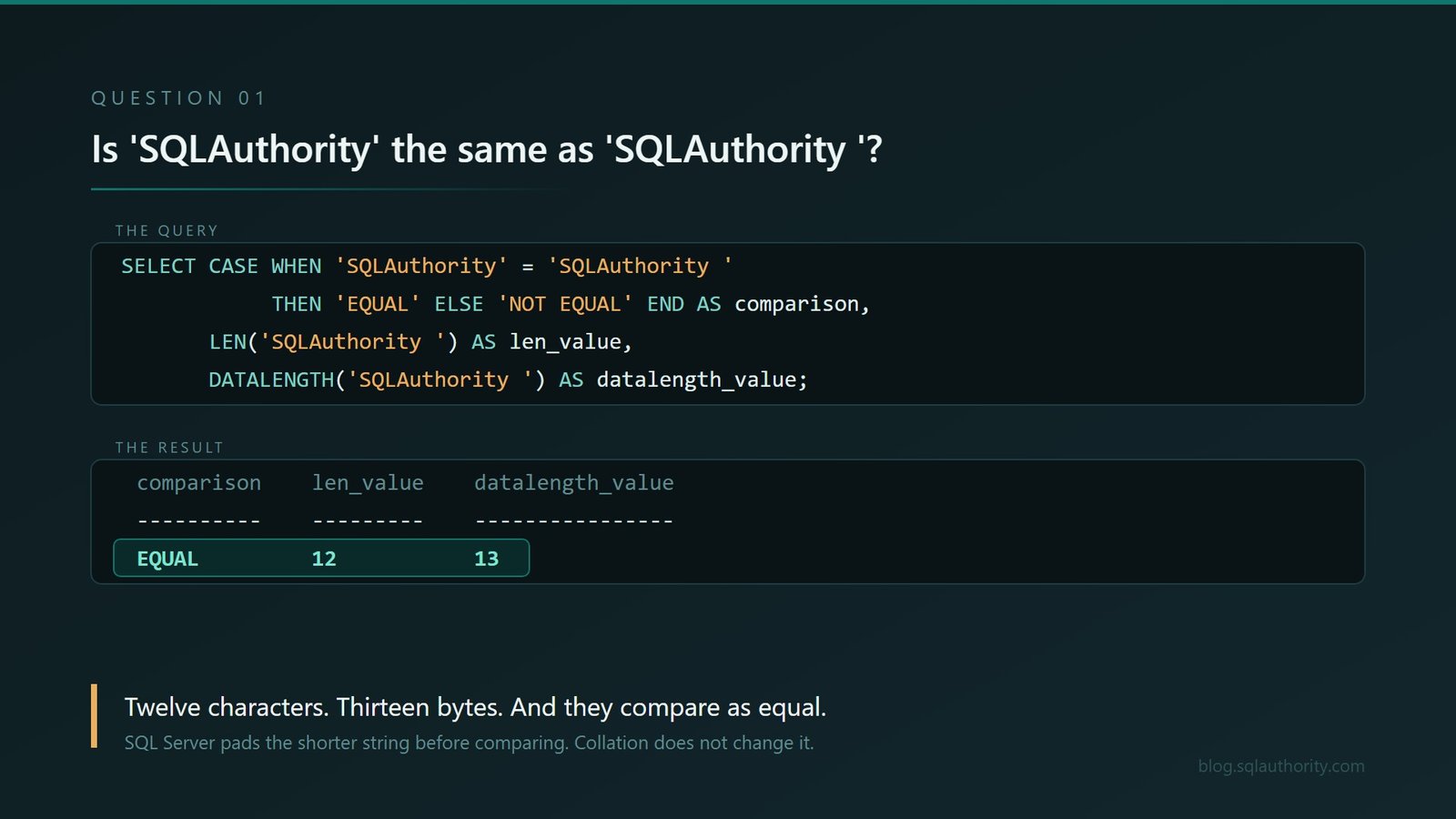
1. Is ‘SQLAuthority’ the same as ‘SQLAuthority ‘?
Everybody says no. There is a space. Obviously not.
SELECT CASE WHEN 'SQLAuthority' = 'SQLAuthority ' THEN 'EQUAL' ELSE 'NOT EQUAL' END AS comparison,
       LEN('SQLAuthority ')        AS len_value,
       DATALENGTH('SQLAuthority ') AS datalength_value;
comparison len_value datalength_value
---------- --------- ----------------
EQUAL 12 13They are equal. SQL Server pads the shorter string before comparing, following the ANSI rules for blank padding, so the trailing space is ignored by the comparison operator.
Before anybody blames the collation, it is not the collation. I checked all three:
SELECT CASE WHEN 'SQLAuthority' = 'SQLAuthority ' COLLATE SQL_Latin1_General_CP1_CI_AS THEN 'EQUAL' ELSE 'NOT EQUAL' END AS ci_as,
       CASE WHEN 'SQLAuthority' = 'SQLAuthority ' COLLATE SQL_Latin1_General_CP1_CS_AS THEN 'EQUAL' ELSE 'NOT EQUAL' END AS cs_as,
       CASE WHEN 'SQLAuthority' = 'SQLAuthority ' COLLATE Latin1_General_BIN2          THEN 'EQUAL' ELSE 'NOT EQUAL' END AS binary2;
ci_as cs_as binary2
----- ----- -------
EQUAL EQUAL EQUALCase sensitive, accent sensitive, even a binary collation. All equal. This rule is not something you can configure your way out of.
Then LEN says twelve characters and DATALENGTH says thirteen bytes, because LEN ignores trailing spaces and DATALENGTH does not. Two functions, same string, different answers, both correct.
Now the part that gets people. LIKE does not follow the same rule, and it is not even symmetrical.
SELECT CASE WHEN 'SQLAuthority ' LIKE 'SQLAuthority'  THEN 'MATCH' ELSE 'NO MATCH' END AS value_has_space,
       CASE WHEN 'SQLAuthority'  LIKE 'SQLAuthority ' THEN 'MATCH' ELSE 'NO MATCH' END AS pattern_has_space;
value_has_space pattern_has_space
--------------- -----------------
MATCH NO MATCHWhich leads straight into the next one, and it is the better interview question of the two.
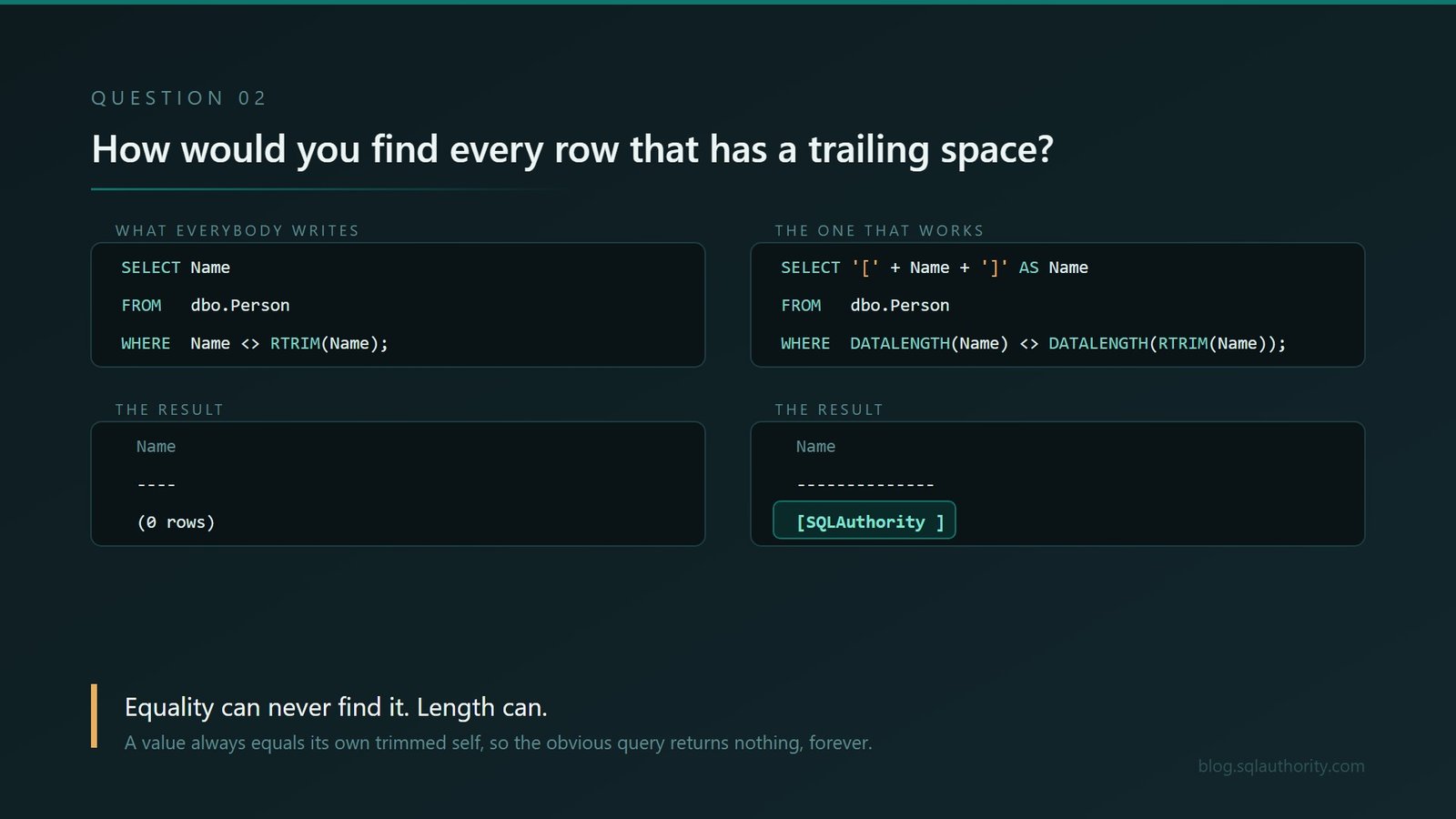
2. How would you find every row that has a trailing space?
Given everything above, this sounds like a five second answer. It is not.
CREATE TABLE dbo.Person (Name varchar(20) NOT NULL);
INSERT dbo.Person VALUES ('SQLAuthority '), ('SQLAuthority'), ('Database');
One of those three rows has a trailing space. Almost everybody reaches for this to find it:
SELECT Name FROM dbo.Person WHERE Name <> RTRIM(Name);Name
----
(0 rows)Nothing, for exactly the reason we just established. For trailing spaces, ordinary equality comparison pads the shorter side, so the value still equals its own trimmed form.
The working version has to compare lengths rather than values:
SELECT '[' + Name + ']' AS Name FROM dbo.Person
WHERE DATALENGTH(Name) <> DATALENGTH(RTRIM(Name));
Name
---------------
[SQLAuthority ]And there is a trap inside that answer, which is what makes this the best follow up on the page. The method is useful for varchar and misleading for char. Here is the exact fixed-width test:
CREATE TABLE dbo.PersonFixed
(
    RowID int      NOT NULL,
    Name  char(20) NOT NULL
);

INSERT dbo.PersonFixed VALUES
    (1, 'SQLAuthority '),
    (2, 'SQLAuthority'),
    (3, REPLICATE('X', 20));

SELECT RowID,
       DATALENGTH(Name)        AS stored_bytes,
       DATALENGTH(RTRIM(Name)) AS trimmed_bytes
FROM   dbo.PersonFixed
WHERE  DATALENGTH(Name) <> DATALENGTH(RTRIM(Name));
RowID stored_bytes trimmed_bytes
----- ------------ -------------
1 20 12
2 20 12Row 1 was entered with a trailing space and row 2 was not, yet the query returns both because char(20) pads both values to twenty bytes. Row 3 fills the column and is not returned. The query can detect fixed-width padding, but it cannot tell whether the final spaces were meaningful.
So the correct answer to a question about a single space depends on a data type nobody mentioned.
For the cleanup side of the same problem, see SQL SERVER – 2017 – How to Remove Leading and Trailing Spaces with TRIM Function?. This section explains why locating the rows is deceptive; that article shows how to clean the strings once you have found them.
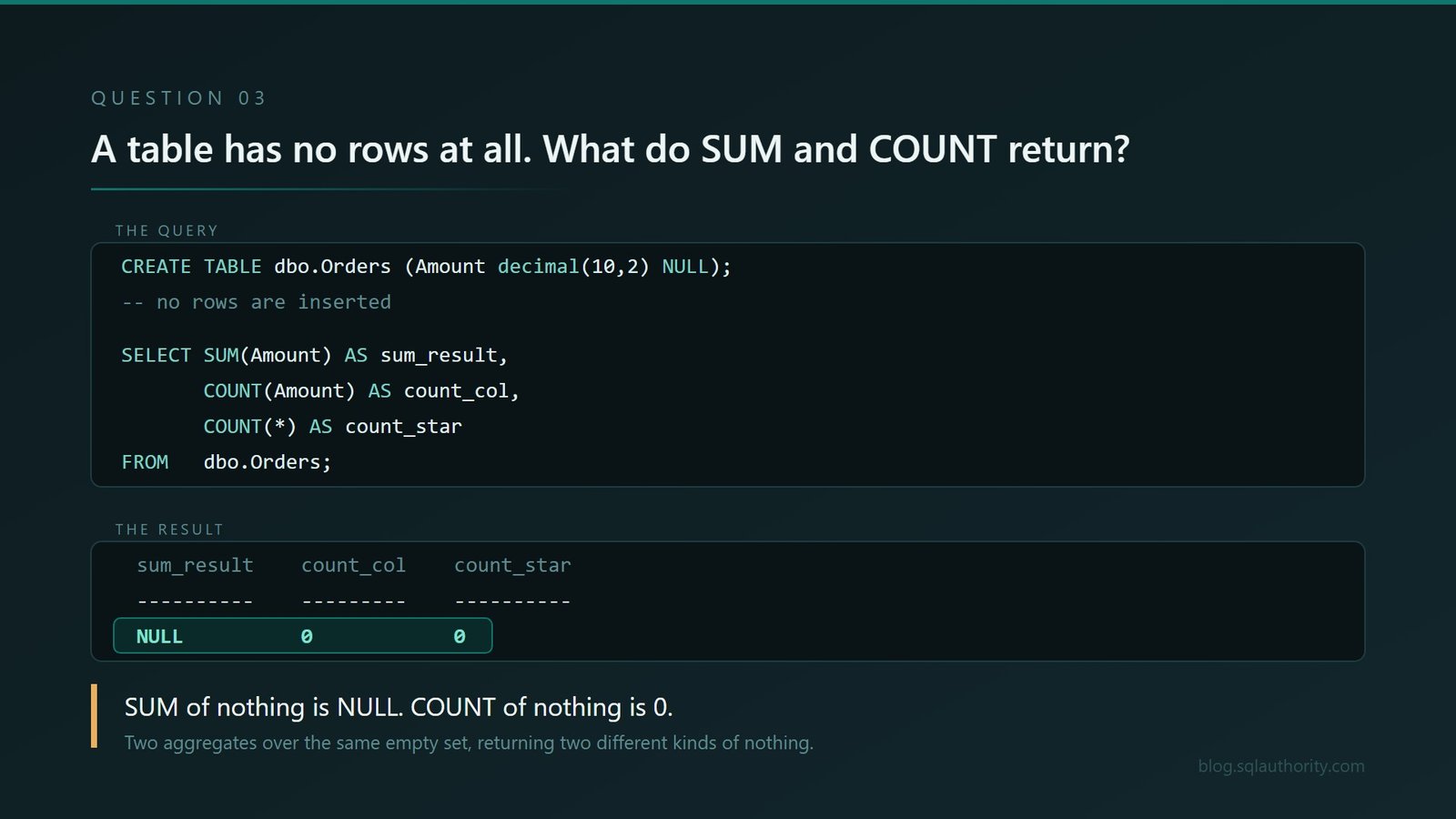
3. A table has no rows at all. What do SUM and COUNT return?
Most people answer zero, and then zero again, and move on cheerfully.
CREATE TABLE dbo.Orders (Amount decimal(10,2) NULL);
-- and that is all. The table exists and contains no rows whatsoever.

SELECT SUM(Amount)   AS sum_result,
       COUNT(Amount) AS count_col,
       COUNT(*)      AS count_star
FROM   dbo.Orders;
sum_result count_col count_star
---------- --------- ----------
NULL 0 0SUM of nothing is NULL. COUNT of nothing is 0. Two aggregates over the same empty set returning two different kinds of nothing.
Anybody who has had a dashboard tile go blank instead of showing a zero has met this and probably never found out why. It is also why ISNULL(SUM(x), 0) exists in so much production code, usually added at three in the morning by somebody who did not have time to ask why.
For the wider family behind this behavior, see SQL SERVER – Introduction to Aggregate Functions. It is the useful companion question: which functions summarize a set, and what happens when NULL or no row enters that set?
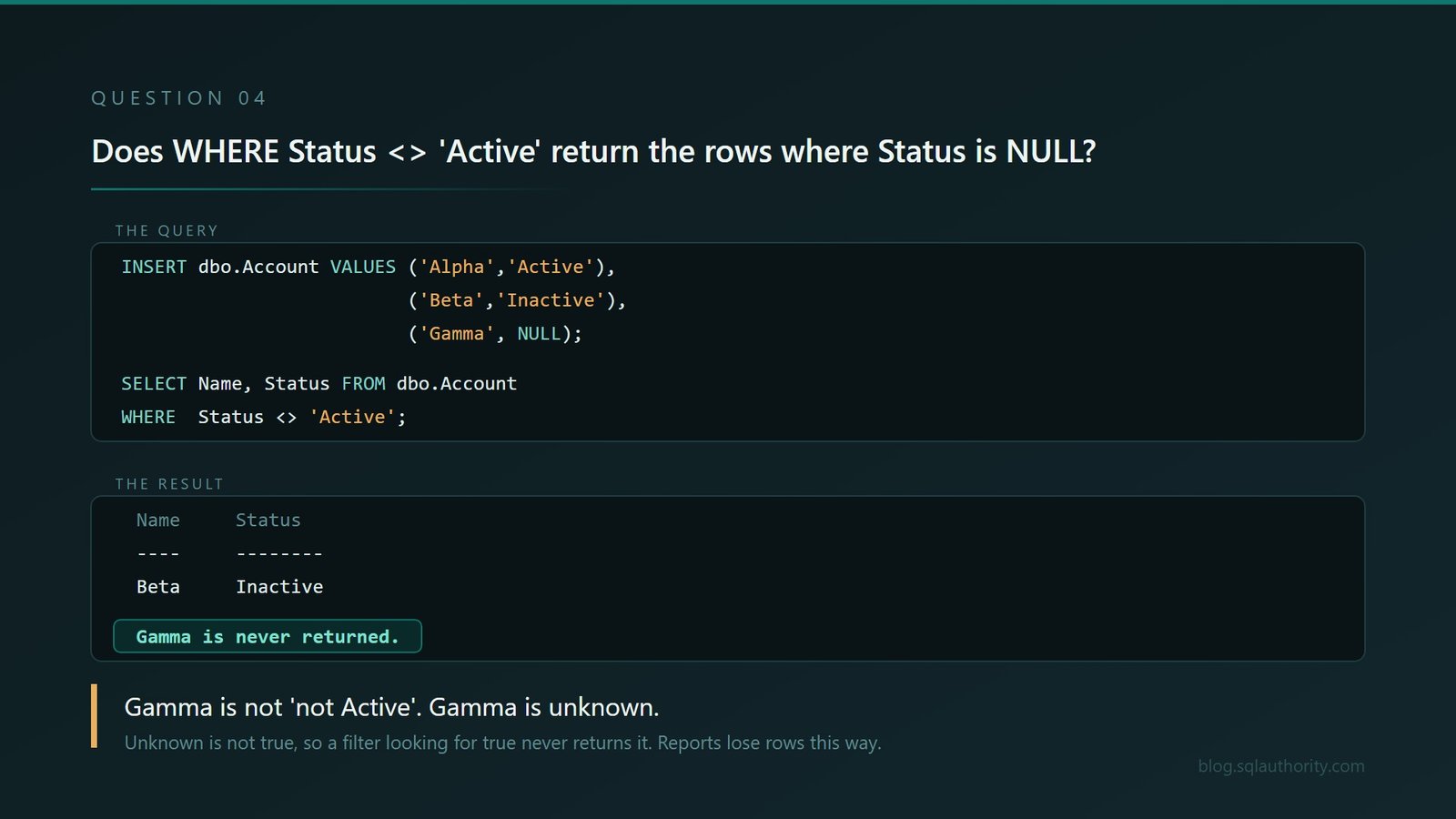
4. Does WHERE Status <> ‘Active’ return the rows where Status is NULL?
Three rows in the table. Active, Inactive, and NULL.
CREATE TABLE dbo.Account
(
    Name   varchar(10) NOT NULL,
    Status varchar(10) NULL
);

INSERT dbo.Account VALUES ('Alpha','Active'), ('Beta','Inactive'), ('Gamma', NULL);

SELECT Name, Status FROM dbo.Account WHERE Status <> 'Active';
Name Status
---- --------
Beta InactiveOne row. Gamma is not “not Active”. Gamma is unknown, and unknown is not true, so it is not returned by a filter looking for true.
If the report means every account that is either inactive or missing a status, both conditions have to be written:
SELECT Name, Status
FROM   dbo.Account
WHERE  Status <> 'Active'
    OR Status IS NULL;
Name Status
----- --------
Beta Inactive
Gamma NULLPeople know this in the abstract and forget it completely the moment they are writing a report at half past four.
The follow up that makes it a real question. Do not stop at why. Ask them how many reports in their current job might be quietly missing rows because of exactly this. Watch what happens to their face. That reaction is worth more than the answer.
The same UNKNOWN result creates the famous NOT IN surprise in SQL SERVER – Solution – SQL Puzzle of SET ANSI_NULL. Different syntax, same reason: a comparison involving NULL is not automatically true or false.
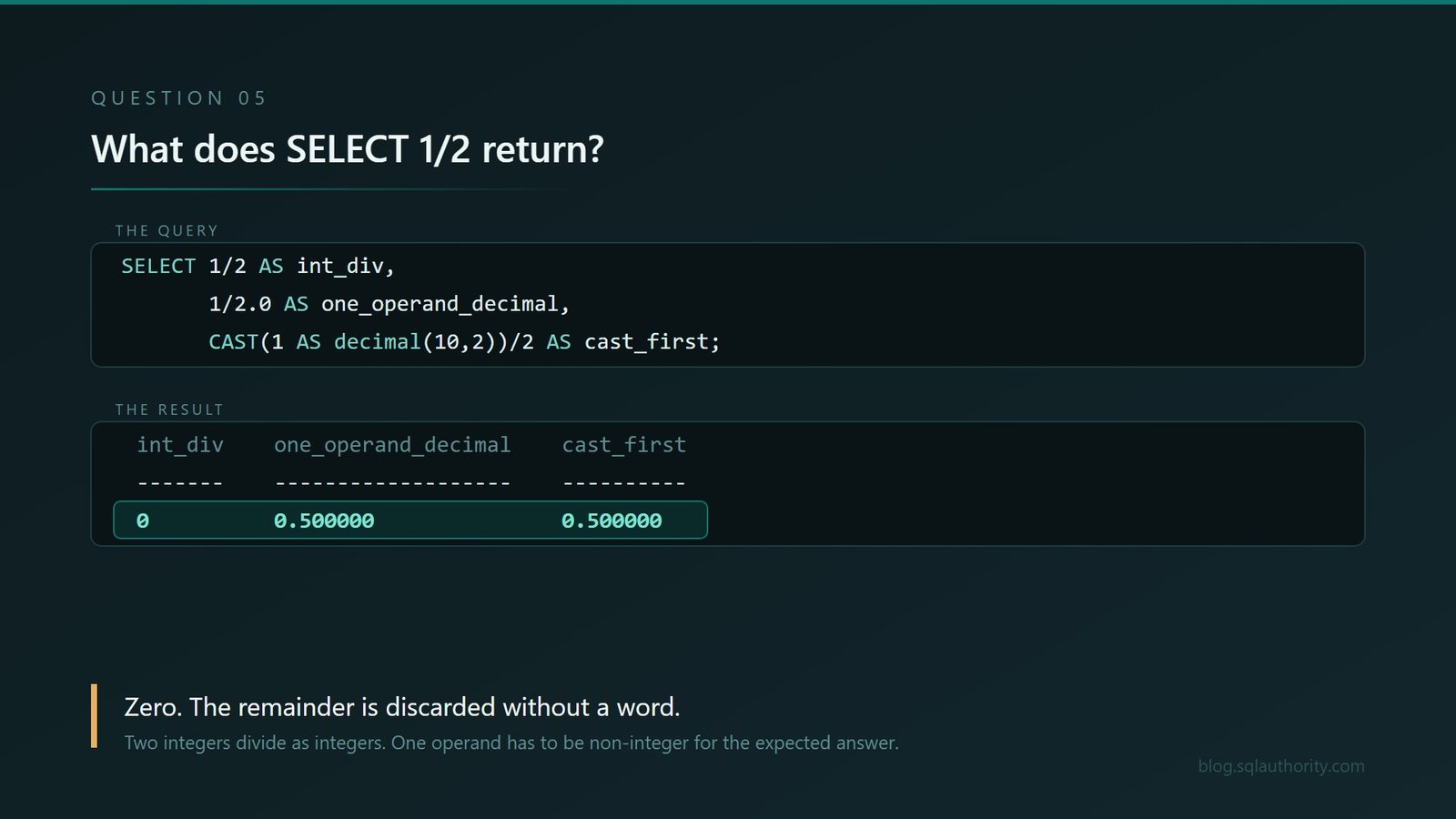
5. What does SELECT 1/2 return?
SELECT 1/2 AS int_div,
       1/2.0 AS one_operand_decimal,
       CAST(1 AS decimal(10,2))/2 AS cast_first;
int_div one_operand_decimal cast_first
------- ------------------- ----------
0 0.500000 0.500000Zero. Two integers divide as integers and the remainder is discarded without comment, without warning, and without any indication that a decision was made.
One operand needs to be non-integer for the answer to become what everybody expected.
One display trap. Some clients, including sqlcmd, may print the decimal values as .500000. Casting the result to text confirms the value is 0.500000. The client changed the presentation, not the number.
This looks like a trivia question and it is not. Ask them where in their current system two integer columns get divided by each other. A quantity by a pack size. An amount by a count of months. Every one of those is silently rounding toward zero right now, and nothing anywhere will ever tell you.
I have a shorter demonstration devoted to this exact result in Why Does SELECT 1/2 Return 0?. It is worth keeping nearby because one decimal literal can change the entire calculation.
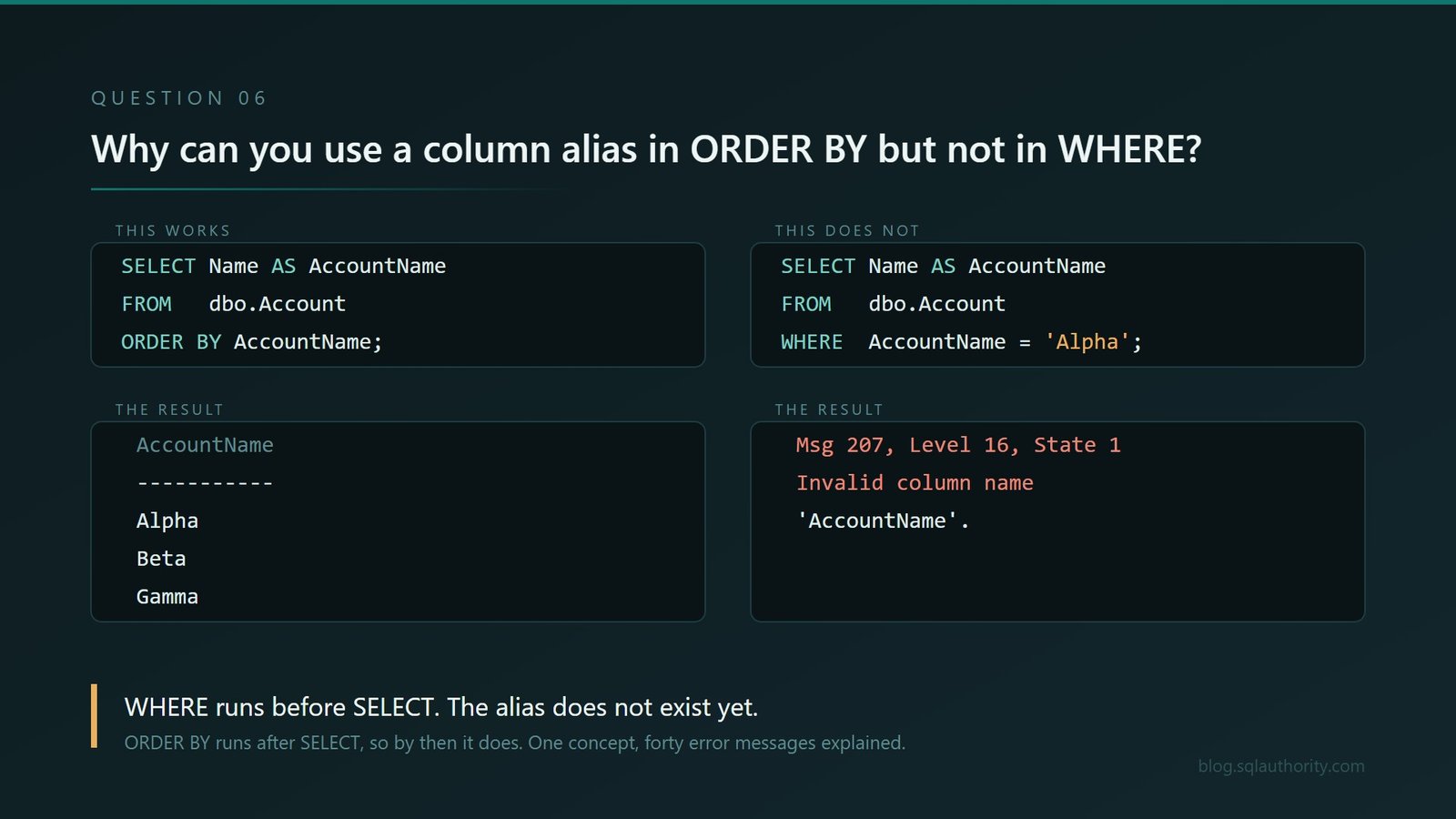
6. Why can you use a column alias in ORDER BY but not in WHERE?
This example reuses dbo.Account from Question 4.
SELECT Name AS AccountName FROM dbo.Account ORDER BY AccountName;AccountName
-----------
Alpha
Beta
GammaFine. Now the same alias in a WHERE clause:
SELECT Name AS AccountName FROM dbo.Account WHERE AccountName="Alpha";Msg 207, Level 16, State 1
Invalid column name 'AccountName'.The answer is logical query processing order. WHERE is evaluated before SELECT, so at the moment the filter runs the alias does not exist yet. ORDER BY is evaluated after SELECT, so by then it does.
If the alias represents a long expression and repeating it would make the query unreadable, put the expression in a CTE or subquery and filter it from the outer query. The extra query level moves the alias into scope.
I like this question more than almost any other on the list, because a candidate who can explain it can also explain why they cannot use an alias in GROUP BY, why aggregates need HAVING rather than WHERE, and about forty other error messages they have hit and worked around without ever knowing the cause. One concept, enormous reach.
Somebody who cannot explain it has been writing SQL by pattern matching, which is not a crime and is worth knowing before you hire them.
I covered the exact alias rule with another runnable example in SQL SERVER – Column Alias and Usage in WHERE Clause. It is a good follow up when somebody understands the error but still needs the processing order to stick.
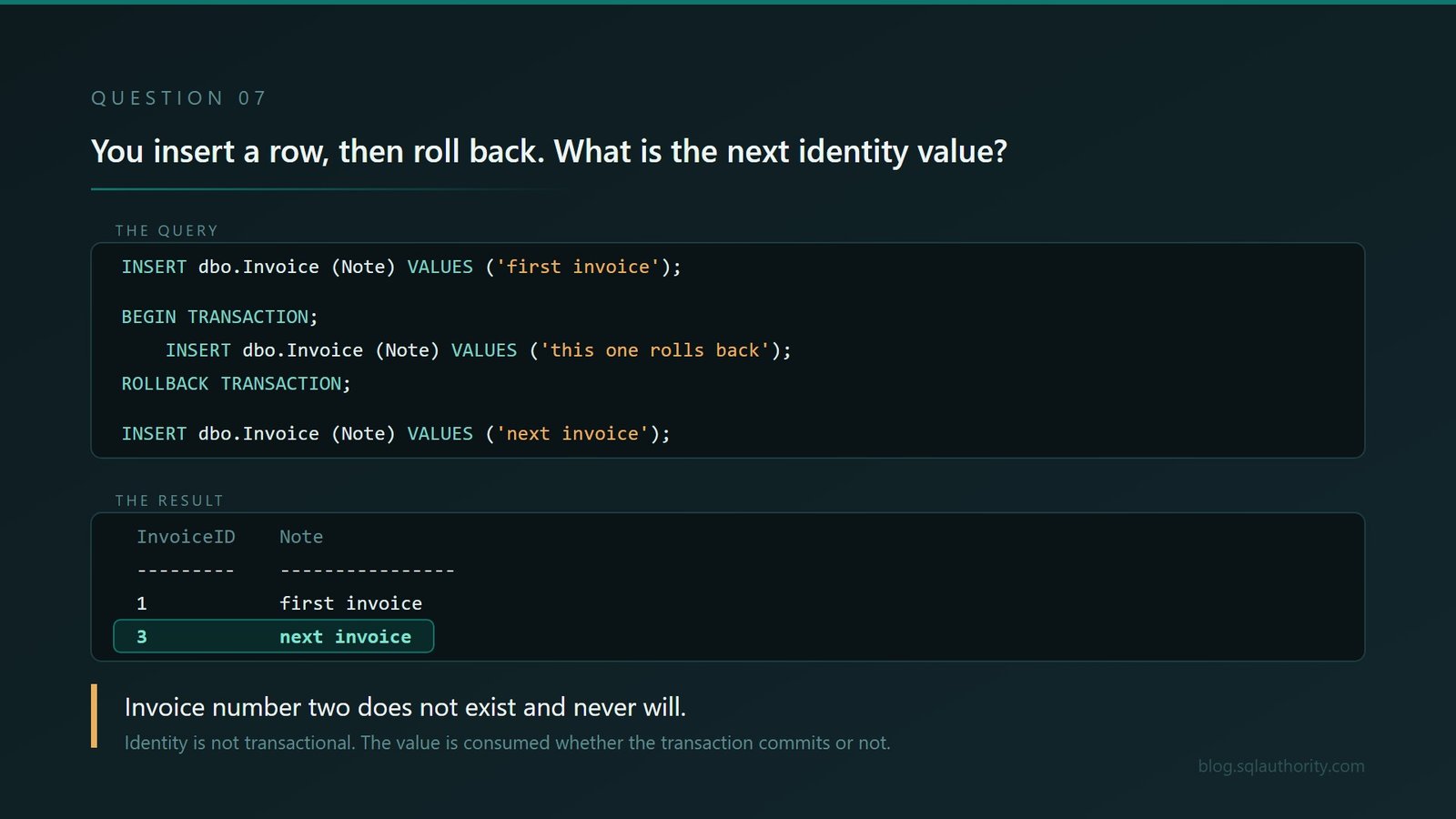
7. You insert a row, then roll back. What is the next identity value?
The first six questions were about reading values. This is where changes begin, and it is the one that has actually cost people money.
CREATE TABLE dbo.Invoice
(
    InvoiceID int IDENTITY(1,1) NOT NULL,
    Note      varchar(30)       NOT NULL
);

INSERT dbo.Invoice (Note) VALUES ('first invoice');

BEGIN TRANSACTION;
    INSERT dbo.Invoice (Note) VALUES ('this one rolls back');
ROLLBACK TRANSACTION;

INSERT dbo.Invoice (Note) VALUES ('next invoice');

SELECT InvoiceID, Note FROM dbo.Invoice ORDER BY InvoiceID;
InvoiceID Note
--------- ----------------
1 first invoice
3 next invoiceInvoice number two is gone from the ordinary identity sequence.
SQL Server does not put an identity value back when the transaction rolls back. The value is consumed whether the transaction commits or not.
The production lesson. IDENTITY generates values; it does not promise a gap-free business sequence. If invoice numbering must be gap-free, design that requirement separately instead of assuming rollback will restore the number.
Why this is a good interview question. Every organisation eventually builds an invoice, order or receipt number on top of IDENTITY. Somewhere between eighteen months and four years later, an auditor asks why there is no invoice 4,412. That conversation goes very differently depending on whether the person who built it knew this on the day.
The rollback gap has its own SQLAuthority example in SQL SERVER – Reset the Identity SEED After ROLLBACK or ERROR. Read the warning as carefully as the workaround: an identity is a surrogate key generator, not a gap-free invoice-number service.
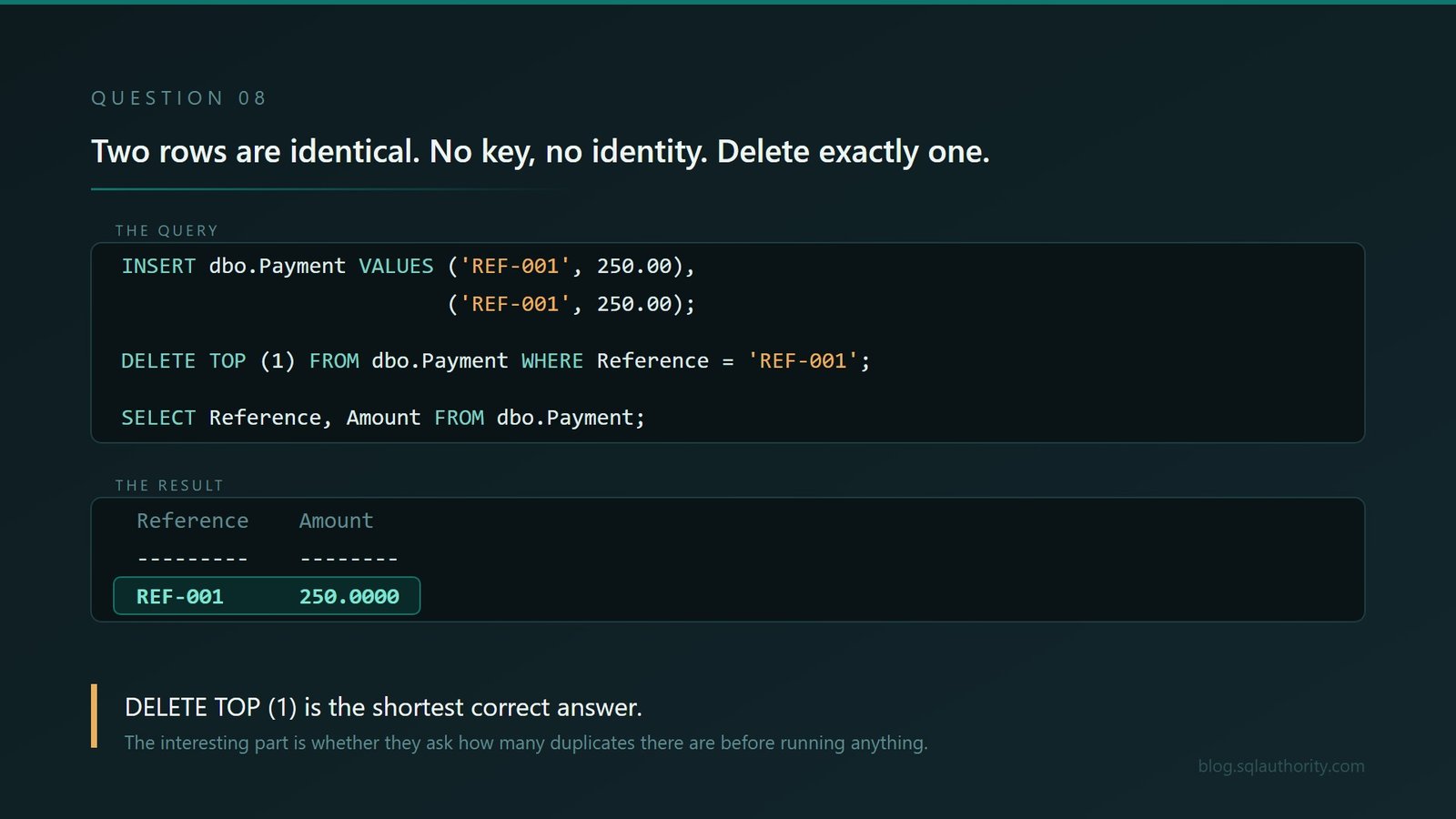
8. Two rows are completely identical. No key, no identity. Delete exactly one.
One sentence, and it stops most people cold.
CREATE TABLE dbo.Payment
(
    Reference varchar(10) NOT NULL,
    Amount    money       NOT NULL
);

INSERT dbo.Payment VALUES ('REF-001', 250.00), ('REF-001', 250.00);

SELECT Reference, Amount FROM dbo.Payment;
Reference Amount
--------- ------
REF-001 250.0000
REF-001 250.0000The simplest answer works:
DELETE TOP (1) FROM dbo.Payment WHERE Reference="REF-001";

SELECT Reference, Amount FROM dbo.Payment;
Reference Amount
--------- ------
REF-001 250.0000There are several correct answers. DELETE TOP (1) is the shortest. A CTE with ROW_NUMBER() is what you would want if there were four duplicates and you needed to keep one. Somebody might reach for %%physloc%%, which is fun and which I would not put in production.
The boundary. TOP (1) is acceptable here only because the two rows are identical. If any business column differs, the chosen row is arbitrary. Inspect the candidates, define which row must survive, wrap the cleanup in a transaction and verify the affected row count before committing.
The interesting part is not which answer they choose. It is whether they pause first and ask how many duplicates there might be, because that is the question the person who has done this before always asks.
For the multi-row version, see SQL SERVER – Delete Duplicate Rows, which uses a CTE and ROW_NUMBER() to keep one row from each duplicate group. That is the natural next step after this deliberately tiny two-row puzzle.
9. What happens to a table if you disable its clustered index?
Now we move below individual rows and into physical design. Almost everybody says the table gets slower. Some say nothing happens because the data is still there.
Use a disposable database. Disabling a clustered index makes the table inaccessible immediately. Do not try this on production, even briefly.
CREATE TABLE dbo.Customer
(
    CustomerID int         NOT NULL PRIMARY KEY CLUSTERED,
    Name       varchar(30) NOT NULL
);

INSERT dbo.Customer VALUES (1,'Alpha'), (2,'Beta');

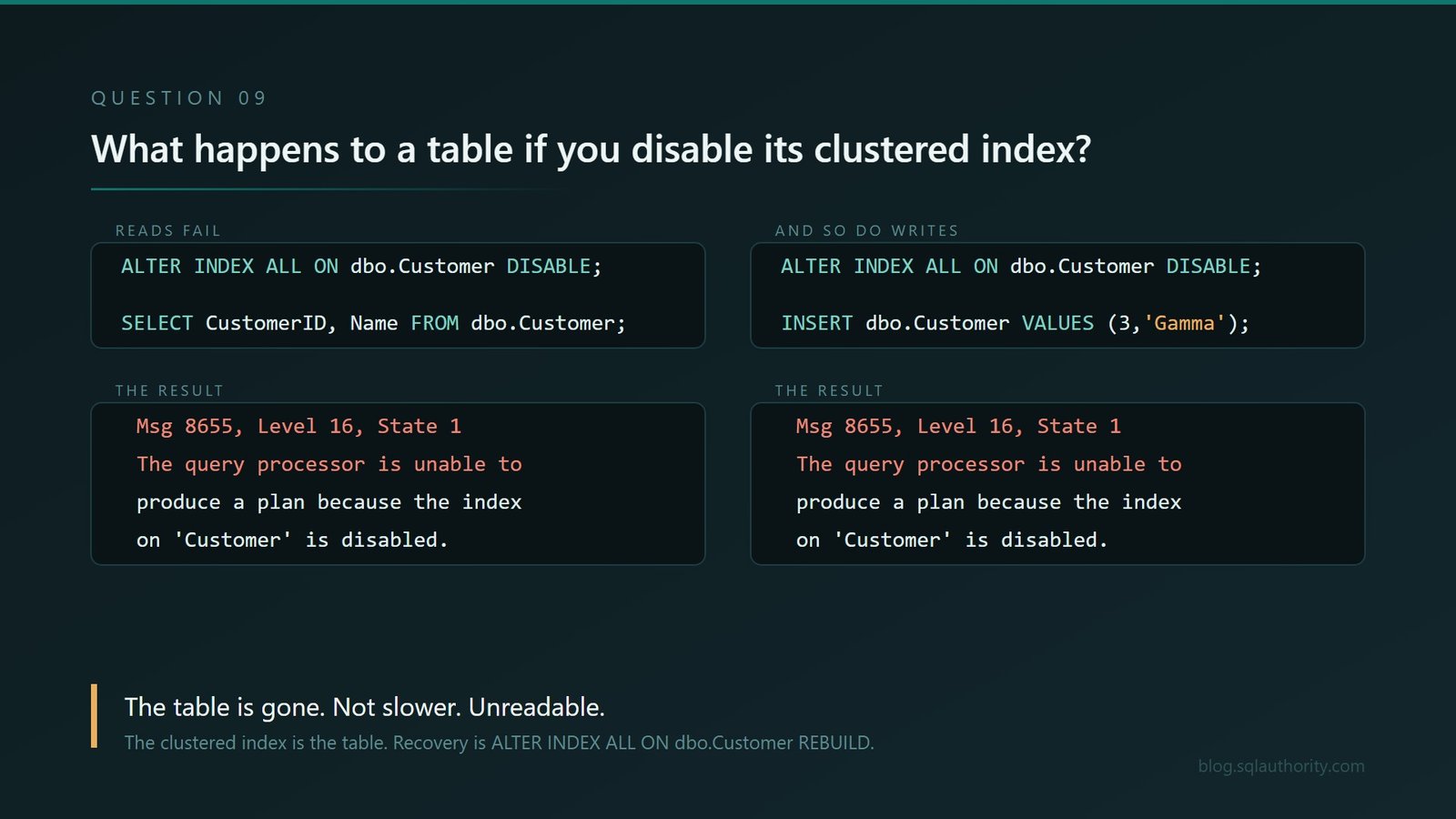
ALTER INDEX ALL ON dbo.Customer DISABLE;

SELECT CustomerID, Name FROM dbo.Customer;
Msg 8655, Level 16, State 1
The query processor is unable to produce a plan because the index
'PK__Customer__A4AE64B87CECB342' on table or view 'Customer' is disabled.The table is gone. Not slower. Unreadable.
The clustered index is the table, so disabling it makes the data inaccessible. And it is not only reads:
INSERT dbo.Customer VALUES (3,'Gamma');Msg 8655, Level 16, State 1
The query processor is unable to produce a plan because the index
'PK__Customer__A4AE64B87CECB342' on table or view 'Customer' is disabled.The metadata is perfectly calm about it:
SELECT i.name, i.type_desc, i.is_disabled
FROM   sys.indexes AS i
WHERE  i.object_id = OBJECT_ID('dbo.Customer')
  AND  i.index_id > 0;
name type_desc is_disabled
------------------------------ ----------- -----------
PK__Customer__A4AE64B87CECB342 CLUSTERED 1This question produces the longest silence of the ten, and it separates people who have read about indexes from people who have broken something with one.
The recovery, for the record, is one statement:
ALTER INDEX ALL ON dbo.Customer REBUILD;

SELECT CustomerID, Name
FROM   dbo.Customer
ORDER BY CustomerID;
CustomerID Name
---------- -----
1 Alpha
2 BetaOne statement makes every row inaccessible; the other rebuilds access. Both look routine enough to run without a second glance, which is exactly why the first belongs only in a disposable database.
I wrote the production-shaped version of this mistake in SQL SERVER – Disable Clustered Index and Data Insert. It shows the same read and insert failure, then the crucial recovery detail: a disabled clustered index must be rebuilt because there is no matching ENABLE command.
10. Can adding an index make a SELECT slower?
Almost everybody says no. Indexes make things faster. That is what indexes are.
Here is the whole test. A table of 500,000 rows, of which 10,046 matched the filter in my run, so roughly two percent. Your count will vary slightly because NEWID() is random; the important part is the proportion.
This test is intentionally large. It creates 500,000 wide rows. Use a disposable database with enough data and log space, and remove it when the experiment is finished.
CREATE TABLE dbo.SalesOrder
(
    OrderID   int IDENTITY(1,1) NOT NULL PRIMARY KEY CLUSTERED,
    RegionID  int       NOT NULL,
    OrderDate date      NOT NULL,
    Notes     char(200) NOT NULL DEFAULT 'padding to make rows realistic'
);

INSERT dbo.SalesOrder (RegionID, OrderDate)
SELECT TOP (500000)
       ABS(CONVERT(bigint, CHECKSUM(NEWID()))) % 50,
       DATEADD(day, ABS(CONVERT(bigint, CHECKSUM(NEWID()))) % 1000, '20230101')
FROM sys.all_objects AS a CROSS JOIN sys.all_objects AS b;
The logical request stays the same throughout: return every column for RegionID = 7.
Run A. The table has just been built, so there is no index on RegionID yet. This is the baseline.
SET STATISTICS IO ON;

SELECT *
FROM   dbo.SalesOrder
WHERE  RegionID = 7;

SET STATISTICS IO OFF;
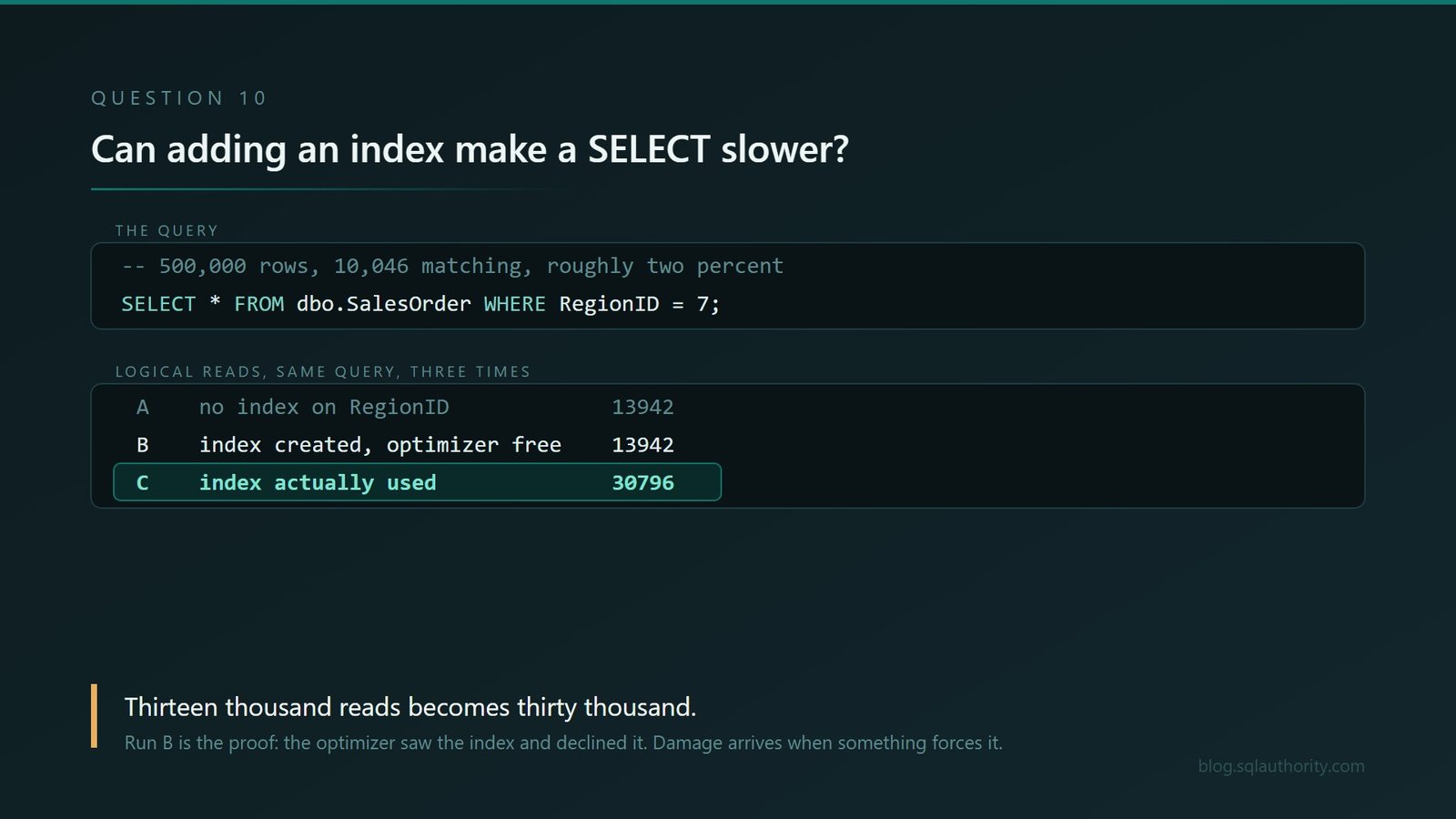
Table 'SalesOrder'. Scan count 1, logical reads 13942A clustered index scan. It reads the whole table because that is the only option available to it.
Run B. Create the index and run exactly the same thing again.
CREATE NONCLUSTERED INDEX IX_SalesOrder_RegionID
    ON dbo.SalesOrder (RegionID);

SET STATISTICS IO ON;

SELECT *
FROM   dbo.SalesOrder
WHERE  RegionID = 7;

SET STATISTICS IO OFF;
Table 'SalesOrder'. Scan count 1, logical reads 13942Identical, and that middle result is the one that makes this credible. The optimizer looked at the new index, worked out that two percent of a 500,000 row table was still too many key lookups to be worth it, and declined to use it.
Run C. Now force the same logical request through the index. Stale statistics or a plan compiled for an unrepresentative parameter can lead to this kind of bad choice; the hint makes it reproducible on demand.
SET STATISTICS IO ON;

SELECT *
FROM   dbo.SalesOrder WITH (INDEX(IX_SalesOrder_RegionID))
WHERE  RegionID = 7;

SET STATISTICS IO OFF;
Table 'SalesOrder'. Scan count 1, logical reads 30796Thirteen thousand reads becomes thirty thousand. The same query, the same data, more than twice the work, because seeking the index and then performing 10,046 key lookups costs more than simply reading the table.
Each run executes that exact SELECT and returns every matching row. The result grid is large, but that is fine here because STATISTICS IO counts database page reads, not how long the client takes to draw the grid.
I shortened each STATISTICS IO message below to the table name, scan count and logical reads. The omitted physical-read and read-ahead fields are not used in this comparison.
The exact crossover is not universal. Row width, cardinality estimates, statistics, SQL Server version and the cost model can move it. On the stated build, two percent still produced a scan; another system may switch plans at a different point.
This is why forcing the index is the wrong lesson. Without the hint, the optimizer compared the available paths and chose a scan at 13,942 reads. The hint overruled that choice and pushed the work above 30,000 reads. The query did not improve, the data did not change, and the optimizer simply lost the freedom to choose the cheaper path.
To run the three passes again from a clean state, drop the index and go back to Run A:
DROP INDEX IF EXISTS IX_SalesOrder_RegionID ON dbo.SalesOrder;That is one mechanism, and it is the one you can demonstrate on demand. There are others, and they are quieter.
Indexes also make writes more expensive. Each applicable index must be maintained by inserts and deletes, and affected indexes must be maintained by updates. Under locking isolation, that extra work can keep a SELECT waiting behind an index it never reads. That is the version in the older post linked below.
This is the best senior filter on the list, and not because of the answer. It is because the honest answer is “yes, and here is when”, and only somebody who has actually watched a plan change will offer the second half.
I have written about this before, from a different angle, in SQL SERVER – An Index Reduces Performance of SELECT Queries. That one covers the case people find even harder to believe, which is an index slowing a query down while never being used by it at all.
If you would rather watch the plan change than read about it, there is a video demonstration here: An Index Reduces Performance of SELECT Queries.
This is exactly the kind of problem I investigate during a Comprehensive Database Performance Health Check. I tell clients not to reach for an index hint as the first response to a slow query. A hint can make today’s plan look stable while locking tomorrow’s data into yesterday’s decision. Check the estimates, statistics, selectivity, row width and available indexes first. Force an access path only as a tested exception with an owner and a removal plan.
11. Can a foreign key reference a column that is not the primary key?
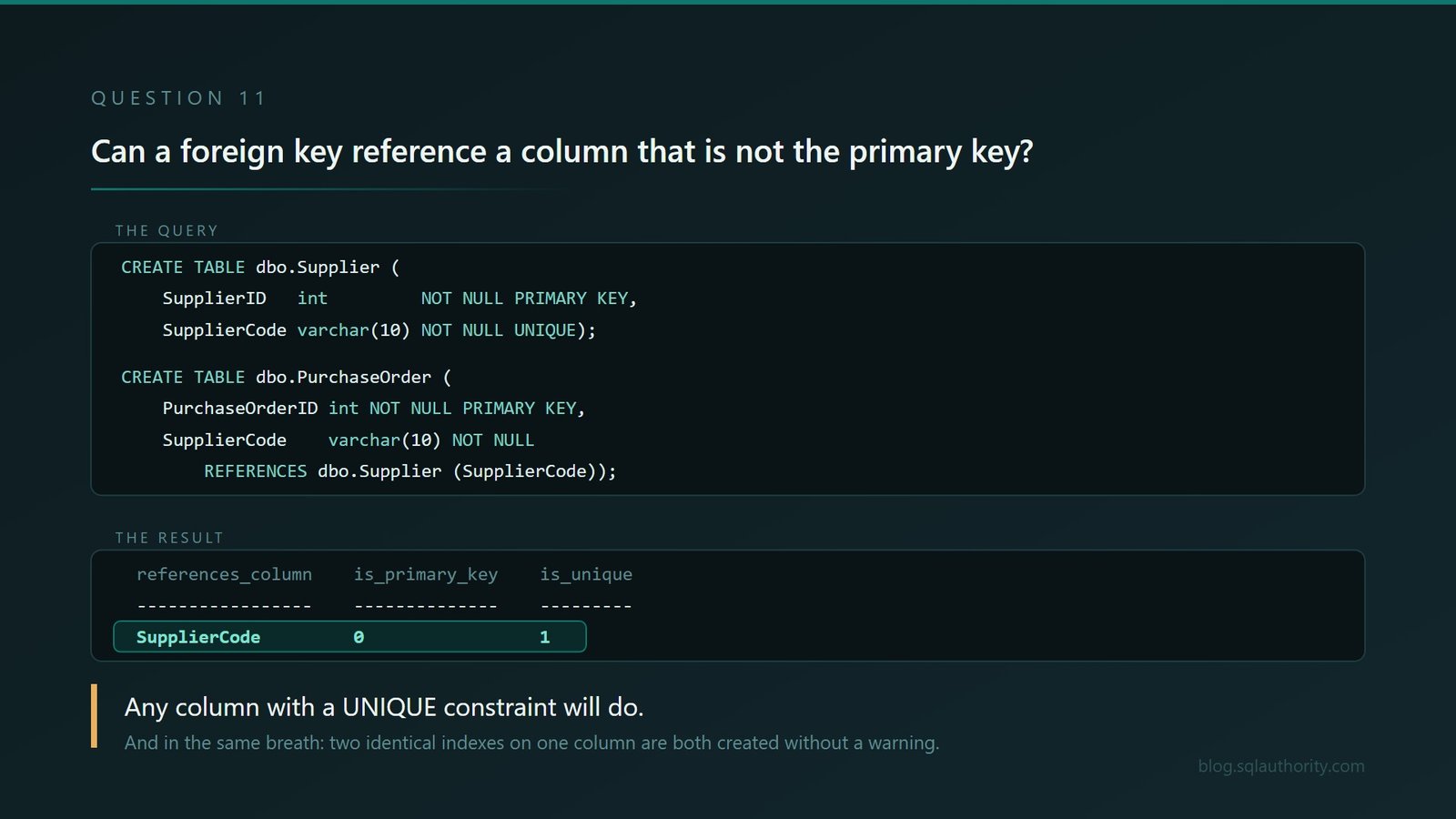
After two questions about indexes, finish with the relationship itself. Yes. A foreign key can reference a compatible column protected by a UNIQUE constraint; it does not have to reference the primary key.
CREATE TABLE dbo.Supplier
(
    SupplierID   int         NOT NULL PRIMARY KEY,
    SupplierCode varchar(10) NOT NULL UNIQUE
);

CREATE TABLE dbo.PurchaseOrder
(
    PurchaseOrderID int         NOT NULL PRIMARY KEY,
    SupplierCode    varchar(10) NOT NULL
        REFERENCES dbo.Supplier (SupplierCode)
);
SELECT fk.name AS foreign_key_name,
c.name AS references_column,
i.is_primary_key,
i.is_unique
FROM sys.foreign_keys AS fk
JOIN sys.foreign_key_columns AS fkc ON fkc.constraint_object_id = fk.object_id
JOIN sys.columns AS c ON c.object_id = fkc.referenced_object_id
AND c.column_id = fkc.referenced_column_id
JOIN sys.indexes AS i ON i.object_id = fk.referenced_object_id
AND i.index_id = fk.key_index_id;foreign_key_name references_column is_primary_key is_unique
------------------------------ ----------------- -------------- ---------
FK__PurchaseO__Suppl__5629CD9C SupplierCode 0 1That last join matters. It is tempting to hardcode index_id = 2 and assume the unique constraint is the first nonclustered index, but that only holds if nothing else was created first. key_index_id names the index actually supporting the constraint, whatever order things were built in.
Created without complaint, pointing at a column that is not the primary key.
And in the same breath, the bonus round. Can one table have two identical indexes on the same column?
CREATE NONCLUSTERED INDEX IX_Copy_One ON dbo.SalesOrder (OrderDate);
CREATE NONCLUSTERED INDEX IX_Copy_Two ON dbo.SalesOrder (OrderDate);
SELECT i.name AS index_name, i.type_desc, c.name AS key_column
FROM sys.indexes AS i
JOIN sys.index_columns AS ic ON ic.object_id = i.object_id AND ic.index_id = i.index_id
JOIN sys.columns AS c ON c.object_id = i.object_id AND c.column_id = ic.column_id
WHERE i.object_id = OBJECT_ID('dbo.SalesOrder')
AND c.name="OrderDate";index_name type_desc key_column
----------- ------------ ----------
IX_Copy_One NONCLUSTERED OrderDate
IX_Copy_Two NONCLUSTERED OrderDateBoth created. No error, no warning, not so much as a raised eyebrow from the engine. Every relevant write now maintains both, and one is entirely redundant because anything the optimizer can do with one it can do with the other.
Before dropping a duplicate-looking index, compare everything. Key order, included columns, filters, uniqueness, constraint ownership and actual usage can make similar indexes serve different jobs. These two are genuinely identical; production indexes often only look that way from a distance.
I find duplicate indexes on nearly every engagement. Now you know why nobody noticed.
For a broader constraints walkthrough, see SQL SERVER – Creating Primary Key, Foreign Key and Default Constraint. It states the important rule directly: the referenced columns may be protected by either a primary key or a UNIQUE constraint.
For a catalog script that finds duplicate and overlapping definitions, see SQL SERVER – Query to Find Duplicate Indexes. Treat its output as a review list, not permission to drop everything it returns.
How I Would Actually Use These
Not as a quiz. A quiz tells you who revised.
I would not score these as pass-or-fail trivia. Let the candidate predict the result, run the statement, revise the answer and explain what the engine just taught them. That turns a gotcha into evidence of how they reason.
Ask one, listen to the confident answer, then run it in front of them and watch what they do next. That reaction often tells me more than the first answer. Some people argue with the screen. Some people go quiet and then ask a very good question. Some people say “oh, that is why” and tell you about a bug they never solved three jobs ago.
The last response is the one I value most.
And if you are on the other side of the table, none of these are gotchas you should feel bad about missing. Every one of them has been sitting in production somewhere for years, being wrong quietly, in a system built by people who were perfectly competent.
That gap between confident and correct is the whole subject of all thirty essays in my book AI: Nobody’s in There. But we’re still in here. Every essay is free to read in the complete online collection, and there is a paperback on Amazon if you would rather hold something real.
If you only take one, take number nine. Disable a clustered index on a test system and watch a table vanish. You will never forget what a clustered index actually is again, and it takes about eleven seconds.
This is not a list of trick questions, it is a list of things your production database is doing right now while nobody is looking.
Reference: Pinal Dave (https://blog.sqlauthority.com/), SQL Server Interview Questions, X
