

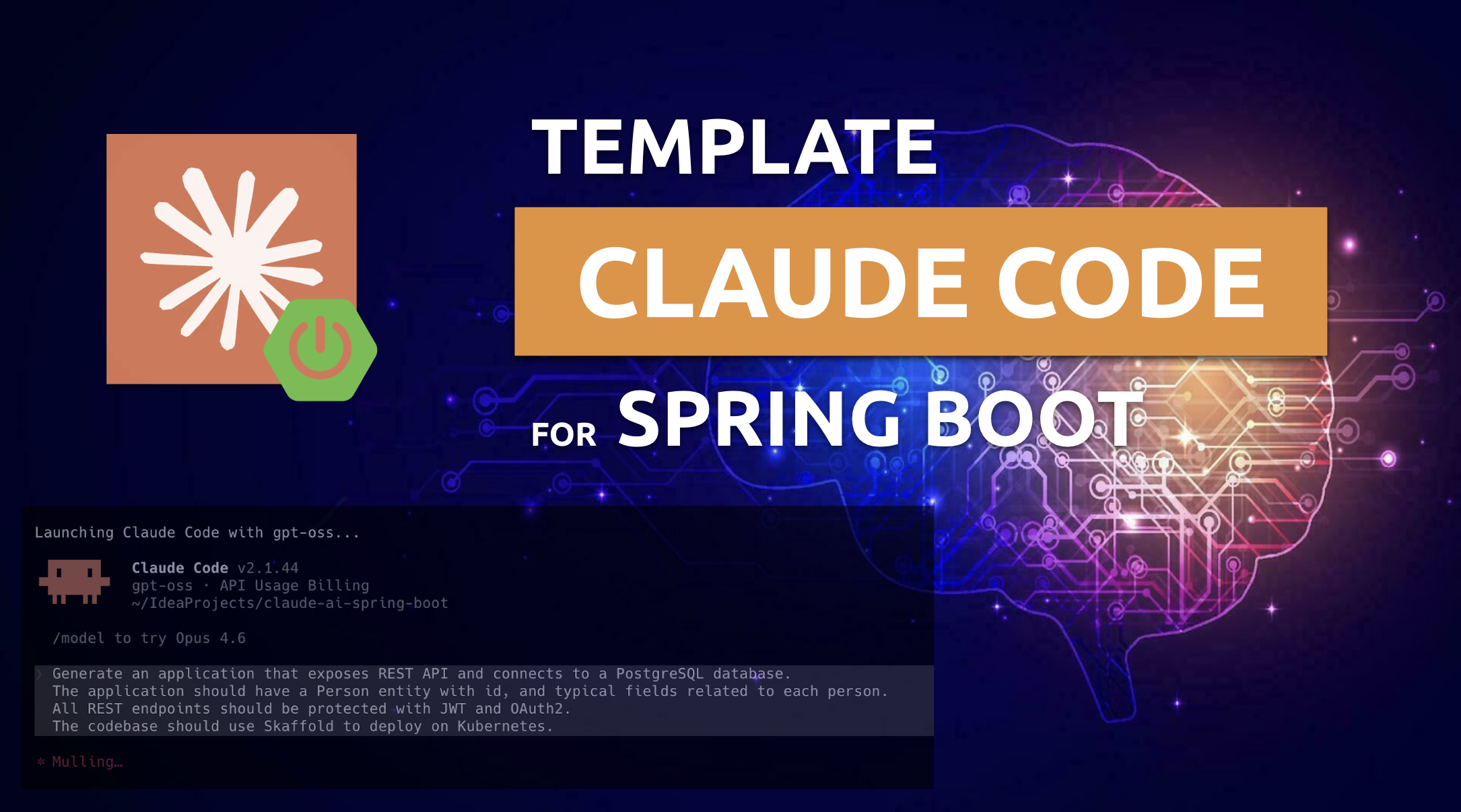
A few days ago, I published my proposition of the Claude Code template for a typical Spring Boot application in this GitHub repository. The level of interest in this repository has exceeded my highest expectations. I’ve received a lot of feedback from you, but I’m looking forward to more. Of course, the project itself is still under development. So if you’d like to provide feedback or have ideas for improving it, I encourage you to create issues, pull requests, or visit the “Discussions” panel, which I’ve enabled for this repository.
If you’re interested in Java and Spring Boot applications, particularly in a Kubernetes environment, you can read more about it in my latest book, Hands-On Java with Kubernetes.
On my blog, you’ll find several other articles about Claude Code. For example, the following article explains how to run Claude Code on Ollama and use local or cloud models served by Ollama to create Java apps.
Motivation
Before we get into the details, let me explain why I created this template. In the Claude Code documentation, you’ll find a number of best practices for using it to generate code. Of course, you can simply launch Claude Code and enter any prompt that will generate something. However, if you want the generated code to meet your expectations, it’s worth following these best practices.
Most of you, therefore, when you start your journey with Claude Code, will sooner or later look for a ready-made repository template that matches the type of application you want to generate. On the other hand, creating such a template on your own can take a lot of time and require a great deal of trial and error. Communities that focus on a specific technology should keep, improve, and share their templates. This benefits everyone involved.
So, where is the best place to find inspiration for these types of templates across various technologies? Probably among people who post a lot online about a given topic. And since I post quite a bit about Spring Boot and Java, I feel it’s my duty to maintain and develop such a template. You can use this repository as inspiration to create your own, or as a ready-to-use starter repository that requires only minimal changes to the CLAUDE.md file.
Source Code
Feel free to use my source code if you’d like to try it out yourself. To do that, you must clone my sample GitHub repository. Then you should only follow my instructions. Here’s the current repository structure. But of course, the project is still under development, so it may undergo further changes.
.
├── .claude
│   ├── agents
│   │   ├── code-reviewer.md
│   │   ├── devops-engineer.md
│   │   ├── docker-expert.md
│   │   ├── java-architect.md
│   │   ├── kubernetes-specialist.md
│   │   ├── security-engineer.md
│   │   ├── spring-boot-engineer.md
│   │   └── test-automator.md
│   ├── settings.local.json
│   └── skills
│       ├── README.md
│       ├── api-contract-review
│       │   └── SKILL.md
│       ├── clean-code
│       │   └── SKILL.md
│       ├── design-patterns
│       │   └── SKILL.md
│       ├── java-architect
│       │   ├── SKILL.md
│       │   └── references
│       │       ├── jpa-optimization.md
│       │       ├── reactive-webflux.md
│       │       ├── spring-boot-setup.md
│       │       ├── spring-security.md
│       │       └── testing-patterns.md
│       ├── java-code-review
│       │   └── SKILL.md
│       ├── jpa-patterns
│       │   └── SKILL.md
│       ├── logging-patterns
│       │   └── SKILL.md
│       ├── spring-boot-engineer
│       │   ├── SKILL.md
│       │   └── references
│       │       ├── cloud.md
│       │       ├── data.md
│       │       ├── security.md
│       │       ├── testing.md
│       │       └── web.md
│       └── spring-boot-patterns
│           └── SKILL.md
├── CLAUDE.md
├── README.md
└── pom.xmlShellSession
Claude Recommendations
General
Claude works far more effectively when it has a way to check its own results – whether that’s running tests, comparing screenshots, or validating outputs against expectations. Without clearly defined success criteria, it can generate solutions that appear correct on the surface but fail in practice. In those cases, you become the sole source of feedback, meaning every flaw depends on your review and correction.
The recommended workflow by Antrophic should have four phases:
- Explore
- Plan
- Implement
- Commit
I don’t want to list all the best practices described by Antrophic here. Just take a look at this page. Basically, the main file we need to create in our repository is CLAUDE.md. I’ll admit that, when it comes to its structure, I drew heavily on the work of the folks at Antrophic, who have published information online about the contents of their CLAUDE.md files. CLAUDE.md acts as a built-in briefing that Claude loads at the beginning of every interaction. It’s the place to define things like common Bash commands, coding conventions, and team workflows. By putting this information in one file, you give Claude consistent context and guidance that it wouldn’t be able to reliably deduce just by analyzing your codebase.
CLAUDE.md in the repository
Take a look at my CLAUDE.md file. It contains a number of general instructions for a universal design, as well as a few elements specific to my application. It was important for me to enable the planning mode so I could see exactly what would be generated before Claude Code got to work.
Another key step is verifying the generated code by creating automated tests and running them. I also want the generated code to be as simple as possible, which is why I also ask Claude to review it for overengineering. Points 5 and 6 cover how to load and use skills and subagents. Skills are absolutely essential. We’ll get to them later. On the other hand, subagents can significantly increase the number of tokens used, so it’s worth considering using them.
### 1. Plan Mode Default
- Enter plan mode for ANY not-trivial task (3+ steps or architectural decisions)
- Use plan mode for verification steps, not just building
- Write detailed specs upfront to reduce ambiguity

### 2. Self-Improvement Loop
- After ANY correction from the user: update `tasks/lessons.md` with the pattern
- Write rules for yourself that prevent the same mistake
- Ruthlessly iterate on these lessons until the mistake rate drops
- Review lessons at session start for a project

### 3. Verification Before Done
- Never mark a task complete without proving it works
- Diff behavior between main and your changes when relevant
- Ask yourself: "Would a staff engineer approve this?"
- Run tests, check logs, demonstrate correctness

### 4. Demand Elegance (Balanced)
- For non-trivial changes: pause and ask "is there a more elegant way?"
- If a fix feels hacky: "Knowing everything I know now, implement the elegant solution"
- Skip this for simple, obvious fixes. Don't overengineer
- Challenge your own work before presenting it

### 5. Skills usage
- Use skills for any task that requires a capability
- Load skills from `.claude/skills/`
- Invoke skills with natural language
- Each skill is one independent capability

### 6. Subagents usage
- Use subagents liberally to keep the main context window clean
- Load subagents from `.claude/agents/`
- For complex problems, throw more compute at it via subagents
- One task per subagent for focused execution on a given tech stack

## Core Principles
- **Simplicity First**: Make every change as simple as possible. Impact minimal code
- **No Laziness**: Find root causes. No temporary fixes. Senior developer standards

## Project General Instructions

- Always use the latest versions of dependencies.
- Always write Java code as the Spring Boot application.
- Always use Maven for dependency management.
- Always create test cases for the generated code both positive and negative.
- Always generate the CircleCI pipeline in the .circleci directory to verify the code.
- Minimize the amount of code generated.
- The Maven artifact name must be the same as the parent directory name.
- Use semantic versioning for the Maven project. Each time you generate a new version, bump the PATCH section of the version number.
- Use `pl.piomin.services` as the group ID for the Maven project and base Java package.
- Do not use the Lombok library.
- Generate the Docker Compose file to run all components used by the application.
- Update README.md each time you generate a new version.
Markdown
Everything listed in the “Project General Instructions” section represents my key expectations for the generated code. Even if some of these points are addressed in one of the skills, they are important enough to me that I want to emphasize them once more. From your perspective, these might be specific technologies, such as CircleCI, which you can simply skip by removing the relevant line from CLAUDE.md.
If you don’t want to use subgents, you can rewrite Section 6 CLAUDE.md in the following way. It forces Claude Code to use spring-boot-engineer agent, which specializes in generating code for Spring Boot applications.
### 6. Subagents usage
- Load subagents from `.claude/agents/`
- Don't use subagents
- Use only the single custom agent `spring-boot-engineer` as the main agentMarkdown
You can verify a list of available agents by executing the /agents command.

Skills
Before you enter your prompt and generate the code, you can check the list of loaded skills using the /skills command. As you can see, I defined nine skills in the .claude/skills directory.

Skills aim to extend Claude’s knowledge with information specific to technologies used by a given application. Each skill should have a header section inside the --- brackets. It should have the name and description tags. We can also add some additional labels inside the metadata tag. The skills in my repository are mainly related to the best practices for coding in Spring, Java, and JPA (Hibernate). Here’s a fragment of one skill from my repository.
---
name: java-architect
description: Use when building, configuring, or debugging enterprise Java applications with Spring Boot, microservices, or reactive programming. Invoke to implement WebFlux endpoints, optimize JPA queries and database performance, configure Spring Security with OAuth2/JWT, or resolve authentication issues and async processing challenges in cloud-native Spring applications.
metadata:
  version: "1.0.0"
  domain: language
  triggers: Spring Boot, Java, microservices, Spring Cloud, JPA, Hibernate, WebFlux, reactive, Java Enterprise
  role: architect
  scope: implementation
  output-format: code
---

# Java Architect

Enterprise Java specialist focused on Spring Boot, microservices architecture, and cloud-native development using Java 21 LTS.

## Core Workflow

1. **Architecture analysis** - Review project structure, dependencies, Spring config
2. **Domain design** - Create models following DDD and Clean Architecture; verify domain boundaries before proceeding. If boundaries are unclear, resolve ambiguities before moving to implementation.
3. **Implementation** - Build services with Spring Boot best practices
4. **Data layer** - Optimize JPA queries, implement repositories; run `mvn verify -pl ` to confirm query correctness. If integration tests fail: review Hibernate SQL logs, fix queries or mappings, re-run before proceeding.
5. **Security & config** - Apply Spring Security, externalize configuration, add observability; run `mvn verify` after security changes to confirm filter chain and JWT wiring. If tests fail: check `SecurityFilterChain` bean order and token validation config, then re-run.
6. **Quality assurance** - Run `mvn verify` (Maven) or `gradle check` (Gradle) to confirm all tests pass and coverage reaches 85%+ before closing. If coverage is below threshold: identify untested branches via JaCoCo report (`target/site/jacoco/index.html`), add missing test cases, re-run.
Markdown
Using Claude Code for Spring Boot
Input prompt
It’s time to test our template. After cloning the repository, navigate to its root directory and run Claude Code. Below is the prompt I used to generate a sample application for this exercise. It briefly describes what the application should do and what technologies to use. Of course, this prompt should be viewed as part of a broader whole, along with all the components I have presented so far.
Create the application that exposes a REST API and connects to a PostgreSQL database in the current directory.
The application should have a Person entity with an id and typical fields for each person.
All REST endpoints should be protected with JWT and OAuth2.
The codebase should use Skaffold to deploy on Kubernetes.Plaintext
Immediately after launching Claude Code, enter the prompt described above or your own prompt, as you prefer. As you can see, Claude Code starts by creating a plan and developing an implementation strategy.

Below is the generated work plan. Claude Code will also provide an estimate of the number of tokens required to generate our application based on the specified requirements.

The plan is very detailed. To summarize, here is a list of key technologies and architectural decisions, along with the criteria for success. All that’s left is to approve the plan and proceed to generate the code.

Code generation
Claude Code has divided the project into 10 phases. You can check the current phase and see the generated outputs. Along with the standard components of the Spring Boot application, it will also generate a CircleCI pipeline, tests using Testcontainers, a Dockerfile, and Kubernetes deployment manifests.

After a while, the application is generated. What’s important to me is a detailed description of what was done and how. Both at the end and during the planning process. Claude also created and ran all JUnit tests.

Here’s a final project structure and a brief description of the next steps. You can also verify the total cost by running the /cost command. You can verify the generated code in the pull request related to the sonnet branch. It generated around 3700 lines of code.

Here’s a cost for the same prompt, but with the main built-in agent instead of the spring-boot-engineer agent.

Conclusion
This Claude Code template for Spring Boot is primarily designed to generate high-quality code that meets your expectations. Token consumption has a lower priority here.
I’m still comparing different settings and working on optimizing the template for my app’s generation process. Generally, the Claude documentation offers plenty of recommendations on how to structure a template, but it’s hard to immediately and definitively determine the impact of a given change, for example, on generation time, the number of tokens used, and code quality together. You can also use this template as a starting point for your experiments.
