

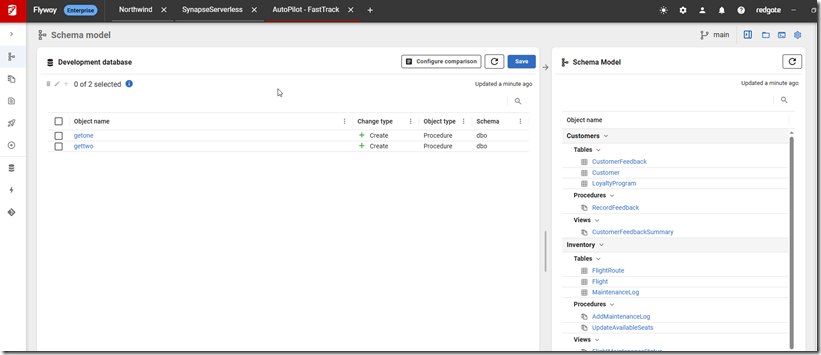
One of the nice things about Flyway Desktop is that it helps you manage your database code as a project and see what changes are being built. However, many of our customers end up working with multiple databases, so there is a need for multiple projects.
This post looks at the new addition to the GUI: the ability to work with multiple projects at one time in the same GUI.
I’ve been working with Flyway and Flyway Desktop for work more and more as we transition from older SSMS plugins to the standalone tool. This series looks at some tips I’ve gotten along the way.
Opening a Project
Flyway Desktop (FWD) used to only allow one project to be open at a time. This proved cumbersome. We debated allowing multiple instances of FWD, but keeping track of them can be cumbersome. We decided to allow multiple projects inside the same FWD instance.
You can see this below, where I have three projects open at once. I have Northwind, a Synapse project, and an Autopilot project. These are listed across the top as tabs, and clicking each brings that project to the front. The current project is showing the Autopilot one.
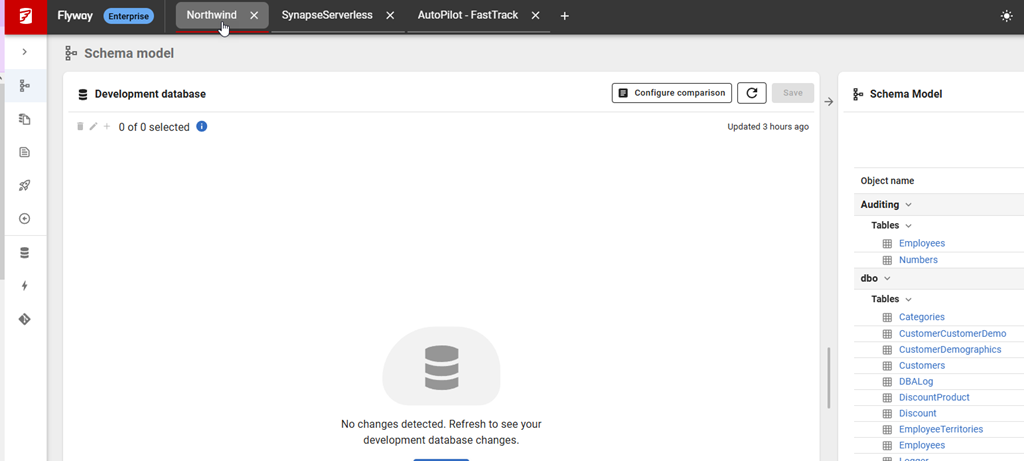
If I click the Northwind project, notice the little red underline. This indicates the project being shown.
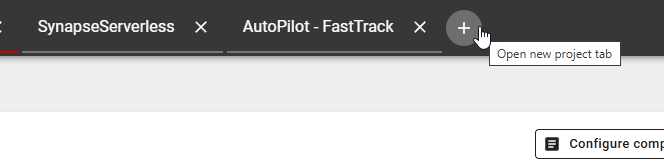
To add a new project, I click the plus (+) at the top to the right of my projects.
This gives me a list of my projects, the same way I’d see them when I started Flyway Desktop. Notice the 3 I have open are listed first, as they were most recently touched.
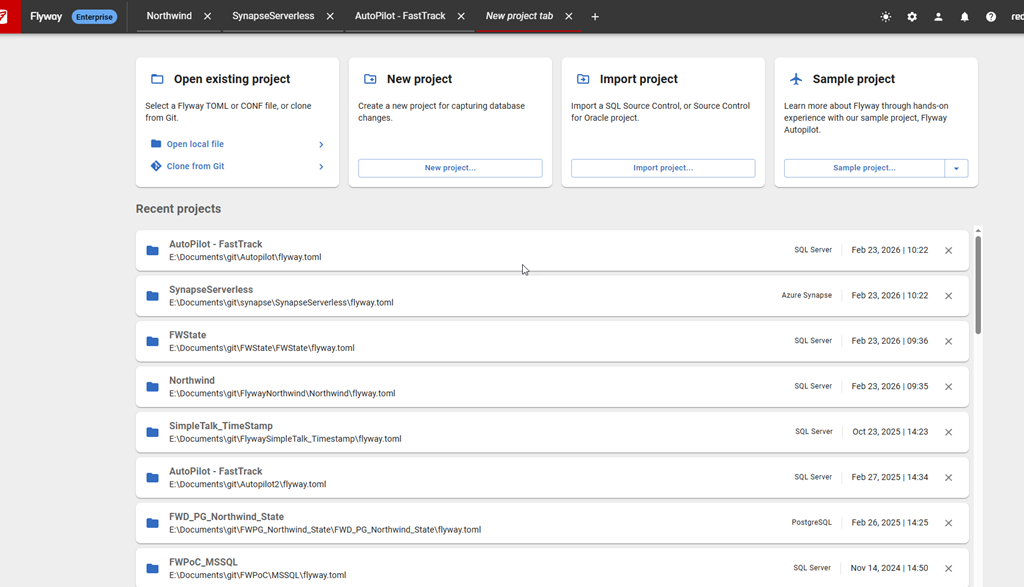
If I click any of these projects, like my SimpleTalk_Timestamp project, it opens up. As with any project, the comparison on the Schema Model tab starts automatically.
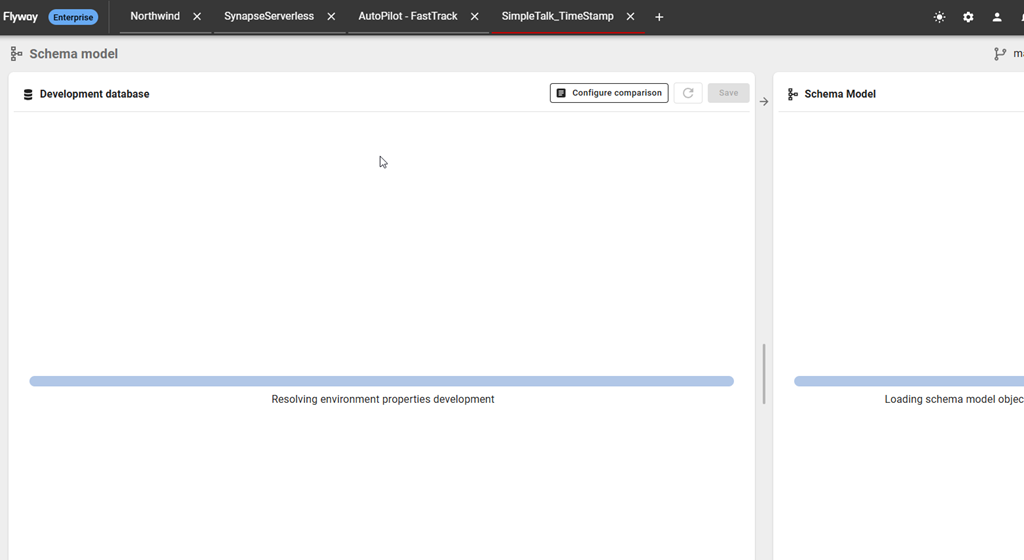
Now I can switch projects quickly with a click, and my existing projects don’t close.
Summary
This is a small change, but one that has a big impact. The teams are constantly working on small and large changes like this. The ability to manage multiple projects is one that’s been requested and we were working on it, testing designs with customers and finding the best balance for most of them.
We settled on multiple projects in one GUI, which I like and seems to be working well.
If you work with Flyway, update your desktop and give it a try. We would love to hear your feedback.
Flyway is an incredible way of deploying changes from one database to another, and now includes both migration-based and state-based deployments. You get the flexibility you need to control database changes in your environment. If you’ve never used it, give it a try today. It works for SQL Server, Oracle, PostgreSQL and nearly 50 other platforms.
Video Walkthrough
Watch me do this in video:
