

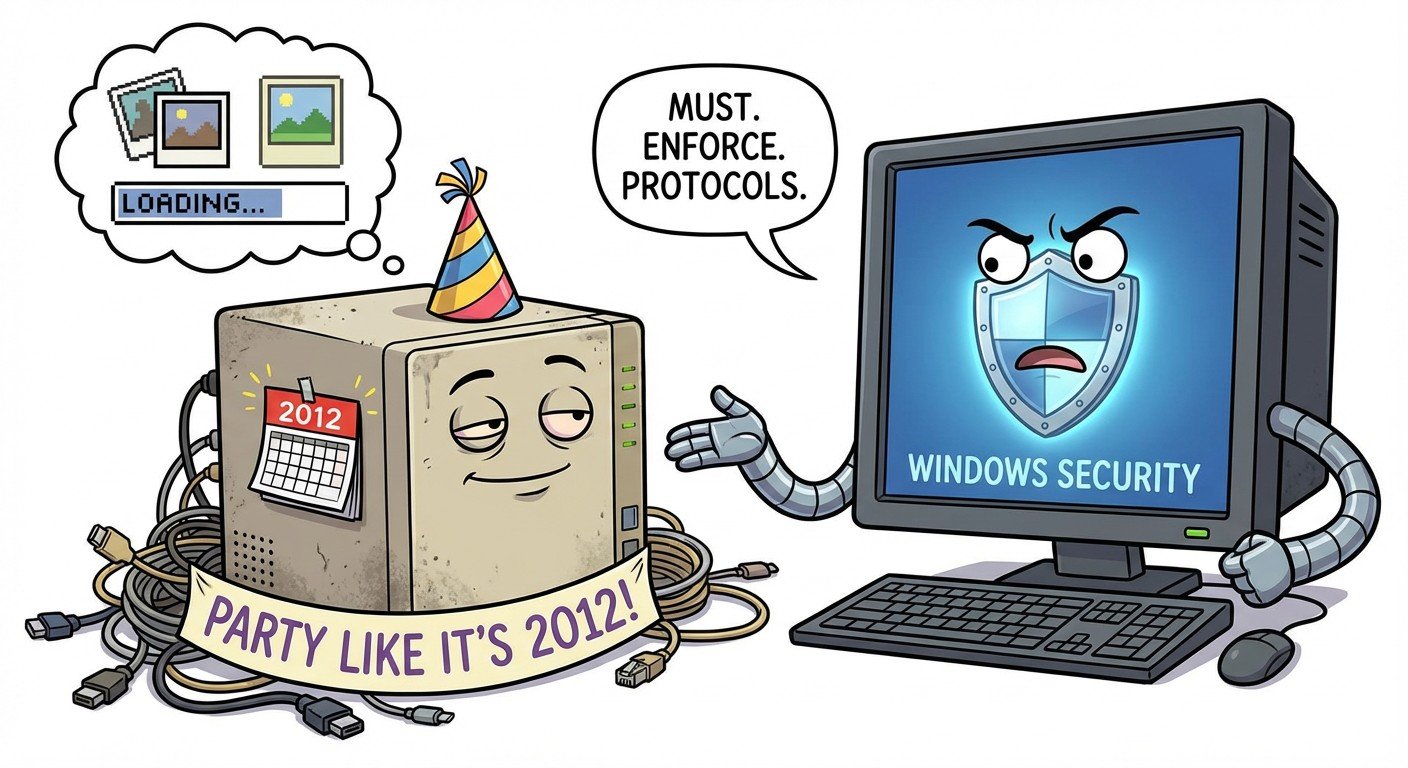
I recently ran into a classic home lab problem. Everything worked perfectly before. New Windows installation done. Coffee ready. And suddenly my WD EX2 NAS decided to pretend it did not know me at all.
The drive was visible on the network, but access failed. No credentials helped. Network discovery was on. SMB settings looked fine. Still nothing. At that point, the NAS and Windows were clearly having a disagreement about how security should work.
After trying a few common fixes, I finally found the setting that made everything click.
The Real Problem
Older NAS devices like WD EX2 often use older SMB implementations. Newer versions of Windows enable stricter security by default, especially around SMB signing. Windows expects every SMB packet to be signed. WD EX2 does not always agree with that expectation.
Result: They refuse to talk to each other.
The Fix That Worked Instantly
Run PowerShell as Administrator and execute the following commands.
Set-SmbClientConfiguration -RequireSecuritySignature $false
Set-SmbServerConfiguration -RequireSecuritySignature $false
That is it.
The moment I ran these commands, the NAS became accessible without rebooting, without reinstalling anything, and without sacrificing my sanity.
What These Commands Actually Do
Let us keep it simple.
SMB signing ensures communication is tamper proof. New Windows installs enforce it strictly. Older NAS devices may not support it properly. These commands tell Windows to relax a bit and not force SMB signing. Once both client and server settings allow unsigned SMB traffic, compatibility is restored.
Important Security Note
This is a compatibility workaround, not a best practice for high security environments. Keep these points in mind.
- Use this only on trusted home or lab networks.
- Avoid using this on corporate or public networks.
- If your NAS firmware supports SMB signing, update it instead.
In my case, WD EX2 firmware was already at the latest version and still struggled.
Other Things I Tried Before This
For completeness, here is what did not solve the issue on its own.
- Enabling SMB 1.0
- Turning on Network Discovery
- Accessing via IP address
- Recreating Windows credentials
- Restarting services repeatedly while hoping for magic
The SMB signing change was the actual fix.
Final Thoughts
New Windows installs are more secure by default. That is good. Older NAS devices are less flexible. That is reality. When the two meet, PowerShell becomes your peace negotiator. If your WD EX2 suddenly feels invisible after a Windows reinstall, try this fix first. It saved me hours and probably added a few years to my lifespan.
Happy networking.
